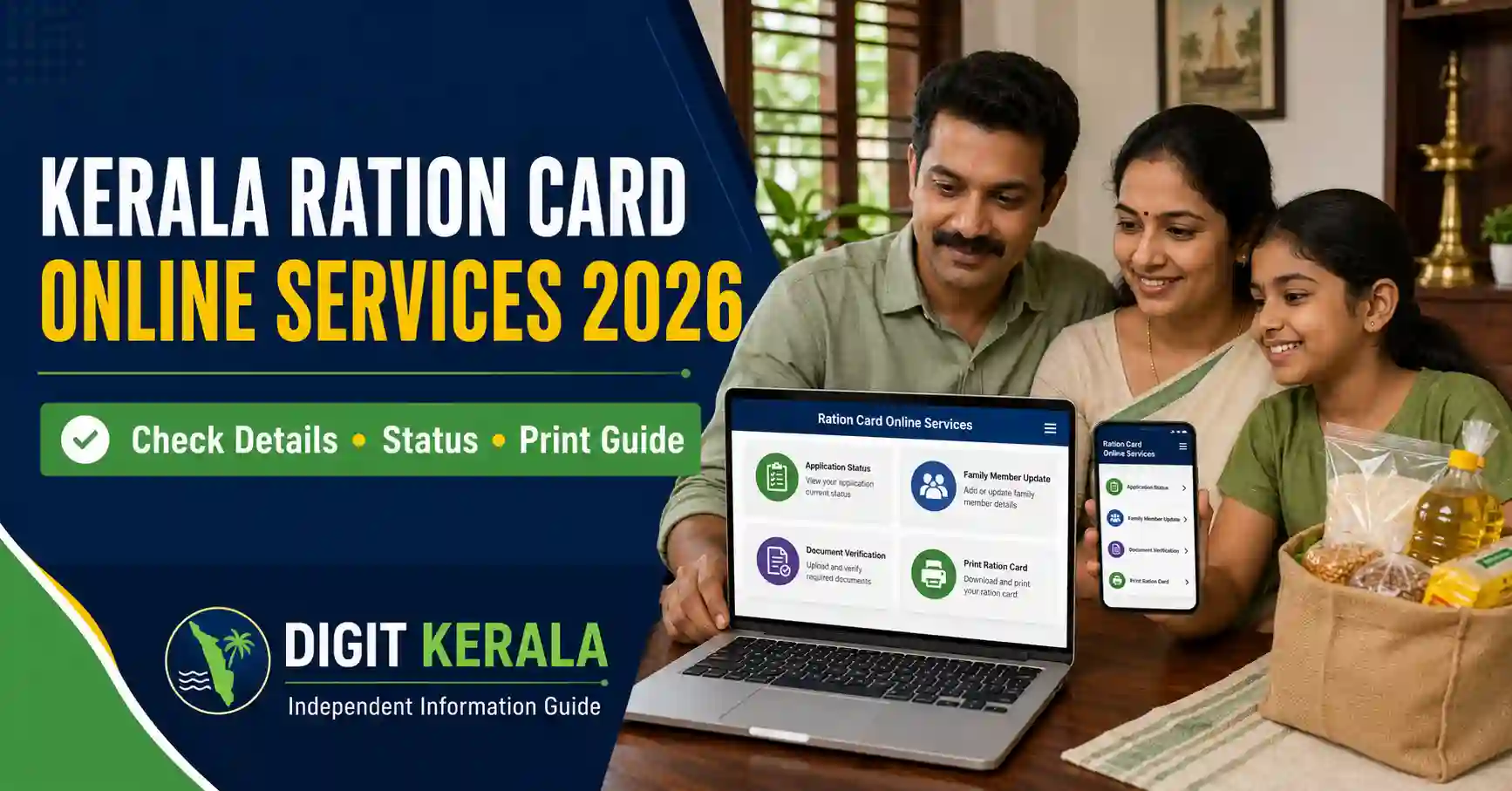
Kerala residents can use the Civil Supplies Department’s online services to check ration card details, track submitted applications and access various ration card-related services.
Services are available through the official Kerala Civil Supplies portals. People who are unable to complete the process online may also approach an authorised Akshaya Centre for assistance.
This guide explains the available Kerala ration card online services, how to access the official portal, common application options, documents that may be required and important precautions to follow.
Important: Portal options, document requirements and processing procedures may change. Always verify the latest instructions displayed on the official Kerala Civil Supplies website before submitting an application.
Official Kerala Ration Card Websites
Residents should use only websites operated by the Kerala Civil Supplies Department or other authorised Kerala Government agencies.
The main official websites are:
- Kerala Civil Supplies Department
- Kerala Civil Supplies e-Citizen Portal
- Kerala Ration Card Details and Application Status
- Kerala Akshaya Ration Card Services
Check the website address carefully before entering personal information. A genuine Kerala Government service will normally use a domain ending in kerala.gov.in.
Services Available Through the Kerala Ration Card Portal
The exact options displayed may depend on the applicant’s eligibility, account and ration card status.
Common services may include:
- Applying for a new ration card.
- Viewing existing ration card details.
- Checking the status of an application.
- Adding a new family member.
- Removing an existing family member.
- Correcting personal information.
- Changing the ration card owner.
- Applying for a duplicate ration card.
- Transferring a ration card to another taluk.
- Transferring family members between ration cards.
- Accessing available ration card printing options.
- Submitting certain ration card-related requests online.
Some applications may require verification or approval from the responsible Taluk Supply Office or City Rationing Office.
How to Create an e-Citizen Account
Some online services require a registered citizen account.
Follow these general steps:
- Open the official Kerala Civil Supplies e-Citizen Portal.
- Select the option to create a new account.
- Enter the requested applicant details.
- Provide an active mobile number and email address when required.
- Create a user ID and secure password.
- Complete the verification process displayed on the portal.
- Sign in using the registered credentials.
Use a mobile number that you can access regularly. Application updates, verification messages or printing information may be sent through the registered contact method.
Never share the portal password or verification code with an unknown person.
How to Check Kerala Ration Card Details Online
The Civil Supplies Department provides an online facility for viewing ration card information.
To check available details:
- Visit the official Kerala Civil Supplies website.
- Open the ration card details or e-services section.
- Select the appropriate search option.
- Enter the requested ration card information.
- Complete the security verification shown on the screen.
- Submit the details to view the available record.
The fields and search options may change when the portal is updated. Follow the instructions displayed on the official page.
If the information shown is incorrect, use the relevant correction service or contact the responsible Civil Supplies office.
How to Check Ration Card Application Status
Applicants can use the official service to check whether their application is submitted, under verification, approved, returned for correction or completed.
The general process is:
- Open the official ration card e-services portal.
- Select View Application Status or the equivalent option.
- Enter the requested application details.
- Complete the verification process.
- Submit the information to view the current status.
The Civil Supplies portal currently advises applicants to use the Sandes mobile application for certain online application-status and print-password communications. Follow only the current instructions shown on the official portal.
Do not install an application through links received from unknown WhatsApp messages or unofficial websites. Use an authorised app store or the link provided on the government portal.
Understanding Common Application Status Messages
The exact wording can vary, but applicants may see messages similar to the following:
Application Submitted
The application has been received by the system. This does not necessarily mean it has been approved.
Under Verification
The submitted information or uploaded documents are being checked by the responsible authority.
Returned for Correction
The application may contain missing, unclear or incorrect information. Sign in to the portal and check whether a correction or additional document is requested.
Approved
The responsible authority has approved the application. Follow the portal instructions for the next available step.
Rejected
The application was not approved. Check the reason displayed in the portal. Applicants may need to correct the issue or contact the responsible office for clarification.
Completed
The requested service has been processed. Check whether the updated ration card details or printing option is available.
How to Apply for a New Kerala Ration Card
A person applying for a new ration card should first confirm eligibility and ensure that the family is not already included in another active ration card.
The general online procedure may include:
- Registering or signing in to the e-Citizen portal.
- Selecting the new ration card application service.
- Entering the family and residential details.
- Adding eligible family members.
- Uploading the requested supporting documents.
- Reviewing all entered information.
- Submitting the application.
- Completing any signature or document-upload requirement shown on the portal.
- Saving the application reference for future tracking.
For services where the portal requests it, applicants may need to print the application, obtain the applicant’s signature and upload a scanned copy before final submission.
An application may be processed only after all mandatory steps and document uploads are completed.
Adding a Family Member to a Ration Card
A cardholder may need to add a family member following a birth, marriage or another eligible change in the household.
Depending on the reason, the portal may request:
- Details of the existing ration card.
- Identity information of the new member.
- Birth certificate for a child.
- Marriage-related documents when applicable.
- Proof that the person has been removed from another ration card.
- Relationship or residence evidence.
- Signed declarations where required.
Document requirements can vary. Upload only the documents requested for the selected service.
Removing a Member from a Ration Card
A member may need to be removed following death, marriage, relocation, transfer to another ration card or another valid reason.
The applicant may be asked to provide supporting evidence appropriate to the request. Examples can include a death certificate, marriage-related evidence, transfer information or a signed declaration.
Confirm that the correct person has been selected before submitting the request. An incorrect removal may affect the family’s ration card record.
Correcting Details on a Kerala Ration Card
Corrections may be required when a ration card contains an error in:
- Name.
- Date of birth.
- Address.
- Relationship.
- Family-member details.
- Other recorded personal information.
Select the relevant correction service and enter the correct details exactly as shown in the supporting document.
Avoid using different spellings across Aadhaar, birth certificate, school records and other identification documents. Differences between documents can result in additional verification.
Applying for a Duplicate Ration Card
A duplicate ration card may be required if the existing card is lost, damaged or unusable.
Applicants should use the duplicate ration card service available through the official portal or obtain assistance from an Akshaya Centre.
The applicant may need to explain why a duplicate is required and provide identity, ration card and supporting information. Follow the exact instructions displayed for the service.
Do not submit repeated applications for the same request unless instructed by the department.
Kerala Ration Card Transfer Services
The Civil Supplies Department provides application options related to transferring ration cards or individual members.
Depending on the situation, services may include:
- Moving a ration card to another taluk.
- Moving individual members to another ration card.
- Transferring members outside Kerala.
- Changing the ration card owner.
Before applying, confirm whether the entire card or only a particular family member needs to be transferred. Selecting the wrong option can delay processing.
Documents That May Be Required
The documents required depend on the selected ration card service and the applicant’s circumstances.
Commonly requested documents may include:
- Aadhaar or another accepted identity document.
- Address or residence proof.
- Existing ration card information.
- Birth certificate.
- Death certificate.
- Marriage-related supporting document.
- Transfer or deletion certificate.
- Recent photograph.
- Signed application or declaration.
- Supporting documents for the requested correction.
This is only a general list. Applicants should upload only the documents specifically requested on the official portal.
Ensure that uploaded files are readable and within the permitted file size and format.
How to Print or Access an Electronic Ration Card
Printing options may become available after the relevant application or ration card service is approved.
The general procedure may include:
- Signing in to the official e-Citizen portal.
- Opening the approved application or ration card section.
- Selecting the available print or download option.
- Entering the print password or verification information when requested.
- Saving the available document securely.
- Printing it on a clear and readable page.
The Civil Supplies portal may send certain print-password information through the Sandes mobile application. Check the current portal instructions for the applicable method.
Do not publish or share a full ration card copy on social media because it may contain personal and family information.
Using an Akshaya Centre for Ration Card Services
People who are unable to use the online portal can approach an authorised Akshaya Centre.
According to the official Akshaya portal, ration card services through Akshaya Centres can include online application assistance and ration card verification.
Before visiting, carry:
- Original documents relevant to the application.
- Clear photocopies when required.
- Existing ration card details.
- An active mobile phone.
- Application reference number for an existing request.
Ask for a receipt for any authorised service charge paid at the centre. Avoid handing original documents to unauthorised agents.
Common Problems and Solutions
Unable to Sign In
Check whether the user ID and password are entered correctly. Use the official forgot-user-ID or forgot-password option if available.
Application Status Is Not Updating
Processing may require document verification by the responsible office. Check whether the application was returned for correction or whether additional action is required.
Uploaded Document Is Rejected
Ensure that the document is clear, complete and uploaded in the supported format. Do not upload cropped or unreadable copies.
Personal Information Is Incorrect
Submit a correction request with supporting documents. Do not create another ration card account simply to correct an existing record.
Print Option Is Not Available
Confirm that the application has been approved and completed. Also check whether the portal has provided a print password or additional instruction.
Portal Is Temporarily Unavailable
Avoid repeatedly submitting the same application. Try again later through the official website or seek help from an authorised Akshaya Centre.
Important Safety and Privacy Precautions
Ration card applications contain personal and family information. Follow these precautions:
- Use only official Kerala Government websites.
- Do not share passwords or verification codes.
- Avoid public computers when uploading personal documents.
- Sign out after completing the service.
- Do not pay an unknown person promising guaranteed approval.
- Keep the application reference and receipt safely.
- Do not share unmasked ration card copies publicly.
- Verify requests for additional documents through the official portal.
- Avoid clicking ration card links received from unknown accounts.
No private agent can guarantee approval. Applications are processed according to department rules and verification requirements.
Frequently Asked Questions
Can Kerala ration card details be checked online?
Yes. The Kerala Civil Supplies Department provides online facilities for viewing available ration card details and checking application status.
Is an e-Citizen account required?
Some services require citizen registration and login. Public search or status options may have different requirements.
Can I apply through an Akshaya Centre?
Yes. Authorised Akshaya Centres provide assistance with ration card-related online applications and verification services.
Can I add or remove a family member online?
The department provides application options for adding and removing eligible family members. Supporting documents depend on the reason for the request.
How can I track my application?
Use the application-status option on the official Civil Supplies portal. Enter the information requested by the portal.
Can I print my ration card online?
A printing option may be available after the relevant service is approved. Follow the current instructions regarding login, verification and print password.
Does submitting an online application guarantee approval?
No. Submission does not guarantee approval. The responsible authority may verify the details, request corrections or reject an ineligible or incomplete application.
Official References
Last reviewed: August 26, 2026.
Disclaimer: DIGIT KERALA is an independent information website and is not affiliated with the Kerala Civil Supplies Department, Akshaya, NIC or any government organisation. This article is provided for general informational purposes only. Portal options, eligibility rules, documents and procedures may change. Always verify the latest information through the official website.