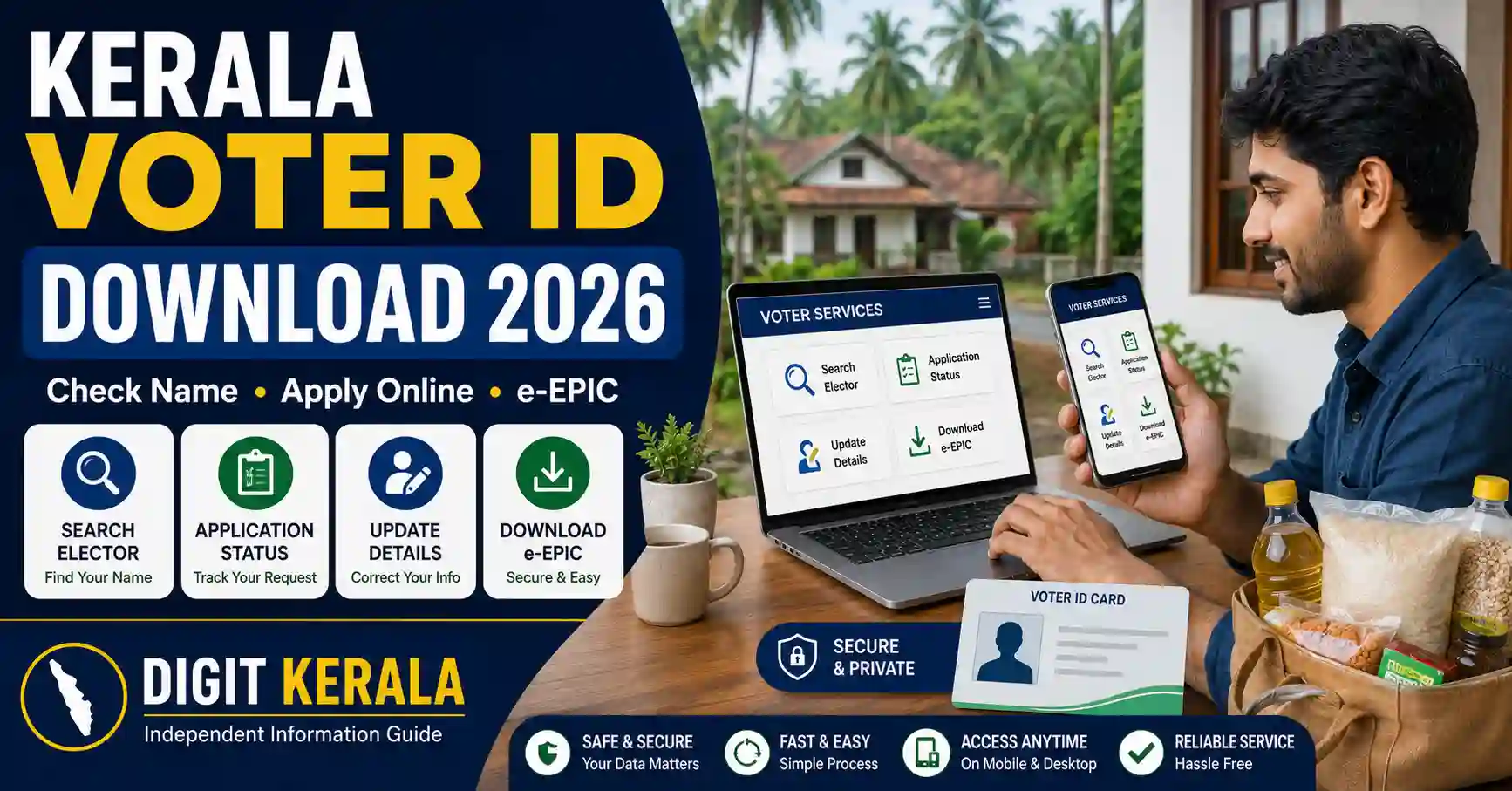
Kerala residents can use the Election Commission of India’s online services to register as voters, search the electoral roll, correct personal information, track submitted applications and download the electronic version of their Electoral Photo Identity Card.
The digital voter ID is commonly known as an e-EPIC. It can be accessed through the official Voters’ Service Portal when the required verification and eligibility conditions are satisfied.
This guide explains the Kerala voter ID download process, how to check your name in the electoral roll, how new voters can apply and what to do when voter information is incorrect.
Important: This article provides general voter-service information only. Portal options, document requirements and verification procedures may change. Always follow the latest instructions displayed on the official Election Commission of India or Chief Electoral Officer Kerala website.
Official Websites for Kerala Voter Services
Use only official Election Commission websites when entering voter ID, mobile number, address or identity information.
The main official portals are:
- Election Commission Voters’ Service Portal
- Chief Electoral Officer Kerala
- Search Electoral Roll
- e-EPIC Download Portal
Check the website address carefully. Avoid websites or agents that promise immediate voter ID approval in exchange for payment.
What Is an e-EPIC?
An e-EPIC is the electronic version of the Electoral Photo Identity Card. Eligible voters can access the digital card through the official Voters’ Service Portal or supported Election Commission services.
The electronic card can be securely stored on a personal device and printed when required.
Downloading an e-EPIC does not replace the need to check whether your name is currently included in the electoral roll.
Before an election, verify:
- Your name in the electoral roll.
- Assembly constituency.
- Polling station details.
- Part number and serial number.
- Whether your personal details are correct.
The electoral roll is updated through registration, correction, transfer and deletion procedures. Therefore, voters should verify the latest record rather than depending only on an old voter ID card.
Who Can Apply for Voter Registration?
An applicant must satisfy the eligibility requirements prescribed by the Election Commission of India.
A new applicant should generally:
- Be an Indian citizen.
- Meet the required qualifying age.
- Be ordinarily residing at the address included in the application.
- Not already be registered in another constituency.
- Provide truthful information and valid supporting documents.
Being registered in multiple constituencies is not permitted. Applicants who have moved should use the appropriate shifting service instead of creating duplicate voter registrations.
How to Create an Account on the Voters’ Service Portal
Some voter services require a registered account.
Follow these general steps:
- Open the official Voters’ Service Portal.
- Select the sign-up or registration option.
- Enter the requested mobile number or email information.
- Complete the verification process.
- Create a secure password.
- Sign in using the registered credentials.
Use a mobile number and email address that you can access. Verification messages and application updates may be sent through the registered contact details.
Do not share your password or verification code with anyone claiming that they can guarantee approval.
How to Check Your Name in Kerala’s Electoral Roll
A voter should verify electoral-roll inclusion even if a physical voter ID card has already been issued.
The general process is:
- Open the official electoral search service.
- Select the available search method.
- Search using EPIC information or personal details.
- Enter the requested state, district or constituency information.
- Complete the security verification.
- Submit the search.
- Review the available electoral record.
Depending on the portal, users may be able to search using:
- EPIC number.
- Name.
- Age or date of birth.
- Relative’s name.
- District and constituency.
- Other requested voter details.
Check spelling carefully. If the first search does not return a result, try the alternative search option and confirm that the correct state and constituency have been selected.
Information Available in an Electoral Search
When a matching record is available, the search result may display information such as:
- Voter’s name.
- EPIC number.
- Age or date-of-birth information.
- Relative’s name.
- State and district.
- Assembly constituency.
- Polling station.
- Part number.
- Serial number.
The information displayed can vary depending on the portal and current availability.
Avoid publishing a complete voter search result on social media because it may expose personal and location-related information.
How New Voters Can Apply Online
The Election Commission provides Form 6 for eligible new voter-registration applications.
The general online procedure is:
- Sign in to the official Voters’ Service Portal.
- Open the new voter-registration service.
- Select Form 6.
- Enter your name and personal information.
- Provide your ordinary residential address.
- Add the requested family or relative information.
- Upload a suitable photograph.
- Upload the requested age and address documents.
- Review every entry carefully.
- Submit the application.
- Save the application reference number.
Submitting Form 6 does not mean the registration is automatically approved. The Electoral Registration Officer may verify the application and supporting documents.
Applicants must provide accurate information. A voter-registration application should not be used to create an additional registration when the applicant is already enrolled elsewhere.
Documents That May Be Required for New Registration
The exact document requirements are displayed during the application process.
Depending on the applicant’s circumstances, documents may include:
- Birth certificate.
- Aadhaar card.
- PAN card.
- Driving licence.
- Indian passport.
- Class 10 or Class 12 certificate containing date of birth.
- Electricity, water or gas connection bill.
- Bank or post-office passbook.
- Registered rent or lease agreement.
- Registered sale deed.
- Revenue Department land-ownership record.
- Another document accepted by the responsible authority.
Upload clear and readable documents. Do not alter, edit or hide important information in a supporting document.
Only the documents applicable to the selected service should be submitted.
How to Track a Voter Application
After submitting an online voter-service request:
- Sign in to the Voters’ Service Portal.
- Open the application-status section.
- Enter or select the application reference.
- Review the current status.
- Complete any additional action requested by the portal.
Application statuses may indicate that the request is submitted, under processing, assigned for verification, accepted, rejected or completed.
Status wording can change. If an application is returned or rejected, check the reason before submitting another request.
Keep the application reference number until the entire process is completed.
How to Download Kerala Voter ID or e-EPIC
Eligible voters can access the digital EPIC through the official Election Commission service.
The general download process is:
- Visit the official e-EPIC Download Portal.
- Sign in using the registered account.
- Enter or select the requested EPIC information.
- Complete the identity-verification process.
- Review the available voter details.
- Select the e-EPIC download option.
- Save the document on a secure personal device.
The exact verification method may depend on the voter record and the mobile information available in the system.
If the download option is unavailable, check whether:
- The voter record is active and searchable.
- The EPIC number is entered correctly.
- The required verification has been completed.
- The mobile number or account information requires updating.
- The application is still under processing.
Use the portal’s official support or correction options when necessary.
How to Correct Name, Date of Birth or Other Details
Registered voters can use Form 8 to request corrections to eligible electoral-roll or EPIC details.
Corrections may include:
- Name.
- Gender.
- Date of birth or age.
- Relation type.
- Relative’s name.
- Address.
- Mobile number.
- Photograph.
The applicant should upload a supporting document for the requested correction.
Enter the correct information exactly as it appears in the supporting document. Different spellings across voter records and identity documents can lead to additional verification.
Do not request unrelated corrections without supporting evidence.
How to Update a Voter Address
A registered voter who has shifted residence can use the relevant Form 8 option for shifting.
The application should be submitted for the constituency in which the applicant is currently ordinarily residing.
The general steps are:
- Sign in to the Voters’ Service Portal.
- Select the shifting-of-residence service.
- Enter the new residential address.
- Upload an accepted address document.
- Review the existing and new information.
- Submit the request.
- Track the application status.
Do not submit a fresh Form 6 solely to retain registrations at both the old and new addresses.
The responsible Electoral Registration Officer may verify the new residence before approving the change.
How to Request a Replacement Voter ID
Form 8 also provides an option for requesting a replacement EPIC in eligible cases.
A replacement may be required if the original card is:
- Lost.
- Destroyed.
- Damaged or mutilated.
- Unusable because of another permitted reason.
Follow the current portal instructions regarding supporting evidence and the return of an old or damaged card.
A replacement application does not guarantee immediate issuance. It remains subject to verification and approval.
Difference Between Voter Registration and Voter ID Card
Voter registration means that the eligible person’s name has been included in the electoral roll.
A voter ID or EPIC is an identity card issued in connection with that registration.
The two should not be treated as identical in every situation. Before voting, the person should confirm that their name appears in the current electoral roll.
Possessing an old voter ID card alone should not be used as proof that the person’s latest electoral-roll record is active and correct.
How to Find the Assigned Polling Booth
The Chief Electoral Officer Kerala website provides voter services related to polling-booth information.
To check the assigned polling station:
- Search for the voter’s electoral record.
- Confirm the correct constituency.
- Review the available polling-station information.
- Note the part number and serial number when displayed.
- Verify the information again closer to the relevant election date.
Polling locations and voter assignments may be revised. Always use the latest official information.
Using the Voter Helpline Application
The Election Commission also provides the Voter Helpline application for supported voter services.
Available features may include:
- Electoral-roll search.
- New registration services.
- Application tracking.
- Correction requests.
- e-EPIC access.
- Voter information and official updates.
Download the application only through an authorised app store or the official Election Commission website.
Check the developer information before installing it. Avoid similarly named unofficial applications.
Common Problems and Possible Solutions
Voter Record Is Not Found
Check the spelling, state, district and constituency. Try searching with the EPIC number and then with personal details.
If the name remains unavailable, use the official support service or contact the responsible election office.
EPIC Number Is Not Accepted
Confirm that letters, numbers and symbols are entered correctly. Kerala’s CEO website also provides services for searching certain old and corresponding EPIC numbers.
e-EPIC Download Is Unavailable
Check account verification, mobile information and current electoral-roll status. The voter may need to update information or wait until a pending application is completed.
Application Status Is Not Changing
Verification may require time or field-level processing. Check for a request for additional information before submitting a duplicate application.
Details Are Incorrect
Use Form 8 and upload supporting evidence for the requested correction.
Mobile Number Has Changed
Sign in and check the available profile or correction options. Follow the current identity-verification procedure displayed by the portal.
Privacy and Fraud-Prevention Tips
Voter-service applications contain personal and address information.
Follow these precautions:
- Use only official ECI and CEO Kerala portals.
- Never share account passwords or verification codes.
- Do not pay agents promising guaranteed voter ID approval.
- Avoid uploading identity documents through unknown links.
- Sign out after using a shared or public device.
- Store the downloaded e-EPIC securely.
- Do not post an unmasked voter ID publicly.
- Check the date before forwarding election-related notices.
- Verify claims through the Election Commission’s official channels.
The Election Commission does not require voters to support a political party to access voter services.
Frequently Asked Questions
Can Kerala voter ID be downloaded online?
Eligible voters can use the official ECI e-EPIC service to access the electronic version of their voter ID after completing the required verification.
How can I check whether my name is on the voter list?
Use the official Electoral Search service and search with your EPIC number or personal details.
Which form is used for new voter registration?
Form 6 is used by eligible applicants requesting inclusion as new voters.
Which form is used to correct voter ID details?
Form 8 is used for eligible corrections, shifting of residence, replacement EPIC and certain other voter-record services.
Can I register at two addresses?
A voter should not maintain duplicate electoral registrations. A person who has shifted should use the appropriate address-shifting service.
Does submitting an application guarantee approval?
No. Applications remain subject to document checks, verification and approval by the responsible election authority.
Is e-EPIC the same as an electoral-roll search?
No. The e-EPIC is the digital voter identity card. Electoral search is used to verify the person’s current entry in the electoral roll.
Official References
- Election Commission of India
- ECI Voters’ Service Portal
- e-EPIC Download
- Chief Electoral Officer Kerala
- CEO Kerala Voters’ Corner
Last reviewed: August 26, 2026.
Disclaimer: DIGIT KERALA is an independent information website and is not affiliated with the Election Commission of India, Chief Electoral Officer Kerala, any government department or any political organisation. This article is provided for general informational purposes only and does not promote any candidate or political party. Portal services, eligibility, documents and procedures may change. Always verify the latest information through the official Election Commission website.