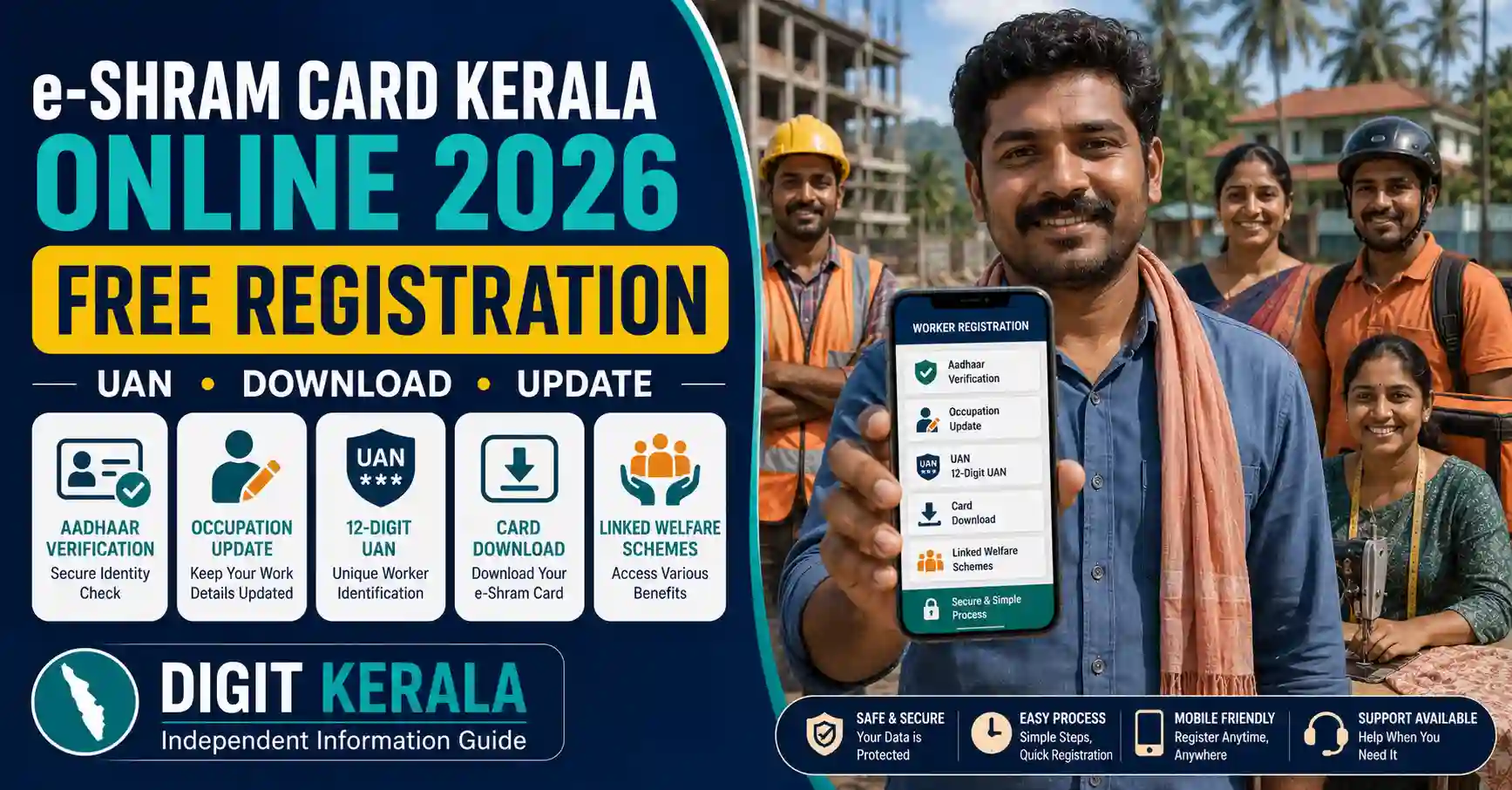
e-Shram is a national database created by the Ministry of Labour and Employment for eligible unorganised workers, including migrant workers, construction workers, domestic workers, gig workers and other workers in the unorganised sector.
An eligible worker who completes registration receives a 12-digit Universal Account Number, commonly known as a UAN, and a downloadable e-Shram Card.
Registration is free, and the e-Shram Card does not expire. However, workers are advised to keep their mobile number, address, occupation, bank and other profile information updated.
This guide explains e-Shram Card Kerala eligibility, required information, free online registration, CSC biometric registration, UAN recovery, card download, profile updating and linked welfare schemes.
Important: Registering on e-Shram does not automatically provide a monthly pension, cash payment, job, loan or insurance claim. Benefits under any linked scheme require separate eligibility and may require a separate application, contribution, premium or verification.
What Is e-Shram?
The Ministry of Labour and Employment created e-Shram as an Aadhaar-seeded National Database of Unorganised Workers.
The database can include information such as:
- Worker’s name.
- Aadhaar-verified identity.
- Mobile number.
- Current address.
- Permanent address.
- Occupation.
- Occupation category.
- Educational qualification.
- Skills.
- Bank information.
- Migrant-worker status.
- Family and nominee information when requested.
The database is intended to help government authorities identify eligible workers and facilitate the delivery of applicable social-security, welfare, employment and emergency-support programmes.
What Is the e-Shram UAN?
After successful registration, the worker receives a 12-digit Universal Account Number.
The UAN is connected with the worker’s e-Shram record and remains valid throughout India.
It can help the worker:
- Access the registered e-Shram profile.
- Download the e-Shram Card.
- Update personal information.
- Update the current occupation.
- View linked scheme information.
- Use available employment or skill-service integrations.
- Contact support regarding the registered record.
The e-Shram UAN should not be confused with an EPFO Universal Account Number.
Who Can Register?
According to the current official e-Shram information, a person can register when the person:
- Is an unorganised worker.
- Is aged 16 years or above.
- Is not an income-tax payer.
- Is not a member of EPFO or ESIC.
- Is not covered under a government-funded NPS arrangement.
- Meets the other conditions displayed by the portal.
The applicant should be genuinely engaged in unorganised work.
Registration information can be periodically validated using EPFO, ESIC and Income Tax Department records.
Who Is an Unorganised Worker?
An unorganised worker can include a home-based worker, self-employed worker or wage worker who is not covered through the applicable organised-sector social-security system.
Examples may include:
- Construction workers.
- Domestic workers.
- Migrant workers.
- Street vendors.
- Head-load workers.
- Fishermen and fish workers.
- Agricultural labourers.
- Landless agricultural workers.
- Auto-rickshaw or taxi drivers working in eligible arrangements.
- Delivery workers.
- Gig and platform workers.
- Carpenters.
- Electricians.
- Plumbers.
- Tailors.
- Barbers.
- Washermen.
- Small self-employed workers.
- Handloom workers.
- Leather workers.
- ASHA workers.
- Anganwadi workers.
- MGNREGA workers.
- Milk workers.
- Rag pickers.
- Other eligible workers in the unorganised sector.
The applicant should select the occupation that represents the person’s actual principal work.
Are Farmers Eligible?
The official e-Shram FAQ specifically states that agricultural labourers and landless farmers are eligible for registration.
A land-owning farmer should not assume eligibility solely because the person is engaged in agriculture. The worker should check the current portal conditions or contact the official help desk.
PM-KISAN registration and e-Shram registration are separate.
Who Should Not Register?
A person may be ineligible if the person:
- Is not engaged in unorganised work.
- Is an income-tax payer.
- Is an active member of EPFO.
- Is covered through ESIC.
- Is covered under a disqualifying government-funded NPS arrangement.
- Is a government employee.
- Submits false occupation information.
- Uses another person’s Aadhaar.
- Creates a duplicate registration.
A worker who later moves into eligible organised-sector employment should update the profile. Benefits will then depend on the rules applicable to the organised-sector worker.
Is There an Income Limit?
The official FAQ states that there is no fixed income criterion for e-Shram registration.
However, the worker should not be an income-tax payer and must satisfy the other eligibility conditions.
Individual welfare schemes linked through e-Shram can have separate income limits.
Is There an Age Limit?
The current e-Shram FAQ states that a worker aged 16 or above may register, subject to other eligibility conditions.
The UAN does not automatically become invalid when the worker turns 60.
However, individual schemes displayed on e-Shram may have their own age limits.
Documents and Information Required
The official portal lists the following as essential:
- Aadhaar number.
- Mobile number linked with Aadhaar.
Workers should also keep the following ready when requested:
- Active bank-account number.
- IFSC code.
- Bank passbook.
- Address information.
- Occupation details.
- Educational information.
- Skill information.
- Nominee or family details.
The bank account should belong to the worker, and all numbers should be entered carefully.
What If the Mobile Number Is Not Linked with Aadhaar?
A worker without an Aadhaar-linked mobile number can visit an authorised:
- Common Service Centre.
- State Seva Kendra.
The worker can complete registration using Aadhaar biometric authentication.
Carry the original Aadhaar card and personal mobile number.
Do not provide fingerprints or iris information through an unknown private device.
Official e-Shram Website
Use only:
For direct registration:
Check that the domain ends in eshram.gov.in.
Websites using a similar name may be private or fraudulent.
Is e-Shram Registration Free?
Yes. The official e-Shram FAQ states that registration is free.
Workers are not required to pay a registration charge to a registering entity.
If an assisted centre provides another paid service, ask for:
- Name of the service.
- Officially permitted charge.
- Printed receipt.
Do not pay anyone promising faster approval or additional cash benefits.
Is There a Last Date?
The official FAQ states that there is currently no last date for registration.
The registration facility is available online 24 hours a day, subject to portal maintenance.
Do not believe social-media messages creating a false “last date” unless the Ministry publishes an official notice.
How to Register for e-Shram Card Online
Step 1: Open the Official Portal
Visit:
Select the self-registration option.
Step 2: Enter Aadhaar-Linked Mobile Number
Enter the mobile number linked with Aadhaar.
Complete the captcha and request an OTP.
Step 3: Verify the OTP
Enter the OTP received through the official portal.
Never share the OTP with an agent or caller.
Step 4: Complete Aadhaar Authentication
Enter the Aadhaar number and complete the required authentication.
The worker’s photograph and demographic information may be retrieved through Aadhaar authentication.
Step 5: Enter Personal Information
Check or enter the requested:
- Name.
- Date of birth.
- Gender.
- Marital status.
- Mobile number.
- Address.
- State and district.
- Educational qualification.
Ensure the information is accurate.
Step 6: Enter Occupation Details
Select the worker’s principal occupation.
The primary occupation should be the activity providing the major source of income.
A secondary occupation can be added when another activity also provides a significant source of income.
Do not select a government-benefit category that does not match the worker’s actual employment.
Step 7: Enter Skill Information
Provide information about the worker’s skills, experience or training when requested.
Accurate skill details can help with applicable employment and training integrations.
Step 8: Enter Bank Details
Enter the active bank-account number and IFSC when the portal requests it.
Verify:
- Account holder’s name.
- Account number.
- IFSC.
- Bank and branch.
- Account status.
Incorrect details can cause problems if an eligible DBT benefit is linked in the future.
Step 9: Review the Declaration
Review the information and accept the declaration only after confirming that the details are true.
Submitting false information can result in removal from the database or denial under a linked scheme.
Step 10: Submit and Download the Card
Submit the registration.
After successful registration:
- Save the 12-digit UAN.
- Download the e-Shram Card.
- Save a secure PDF copy.
- Print a copy when required.
Do not post an unmasked card publicly.
How to Register Through a CSC
Workers needing assistance can visit an authorised Common Service Centre.
General procedure:
- Locate an authorised CSC.
- Carry Aadhaar and mobile number.
- Complete biometric authentication when required.
- Provide correct occupation and bank information.
- Review all details before submission.
- Collect the UAN and downloaded card.
- Obtain a receipt for any separately permitted service.
The worker does not need to hand over the original Aadhaar card permanently.
How to Download an e-Shram Card
Existing workers can use the Already Registered section on the official registration portal.
General steps:
- Open the e-Shram registration portal.
- Select the existing-worker login option.
- Enter the UAN, Aadhaar or registered mobile information requested.
- Complete OTP authentication.
- Open the registered profile.
- Select the card-download option.
- Save the PDF securely.
Portal buttons may change. Follow the current on-screen instructions.
What If the UAN Is Forgotten?
The registration portal provides a Know Your UAN facility.
The worker may be required to:
- Enter the Aadhaar-linked or registered mobile number.
- Complete OTP verification.
- Provide Aadhaar or other requested information.
- Retrieve the UAN.
- Sign in and download the card.
If the registered mobile number is unavailable, visit an authorised CSC or contact the official help desk.
Does the Card Need Renewal?
No. The official e-Shram FAQ states that:
- The e-Shram Card does not expire.
- UAN Card renewal is not required.
However, the worker should keep the registered profile updated.
How to Update the e-Shram Profile
Existing workers can use the update facility on the official portal.
Information that may be updated includes:
- Mobile number.
- Current address.
- Permanent address.
- Occupation.
- Secondary occupation.
- Educational qualification.
- Skills.
- Bank details.
- Other permitted information.
General steps:
- Open the official portal.
- Select Already Registered or Update.
- Sign in using UAN and OTP.
- Select the information to update.
- Enter the correct details.
- Complete additional verification if requested.
- Save the changes.
- Download the updated card.
The e-Shram portal currently advises registrants to update their profile and occupation for continued access to applicable services.
How to Change the Photograph
The photograph displayed on e-Shram is generally retrieved from Aadhaar.
The official FAQ states that the photograph cannot be directly changed through the e-Shram profile.
To update it:
- Update the photograph in Aadhaar.
- Wait until the Aadhaar update is completed.
- Sign in to e-Shram.
- Complete Aadhaar re-eKYC.
- Check whether the updated photograph is reflected.
Does e-Shram Provide ₹3,000 Monthly Pension?
Not automatically.
The ₹3,000 monthly pension displayed through the e-Shram website refers to separate contributory pension schemes such as Pradhan Mantri Shram Yogi Maan-Dhan.
Under PM-SYM, the current official scheme information includes conditions such as:
- Entry age between 18 and 40.
- Eligible unorganised employment.
- Monthly income below ₹15,000.
- Not being covered under EPFO, ESIC or government-funded NPS.
- Monthly contribution based on entry age.
- Matching government contribution.
- Pension after attaining 60, subject to scheme conditions.
An e-Shram Card alone does not provide this pension.
Does Every Cardholder Receive ₹2 Lakh Insurance?
No automatic current payment or claim should be assumed.
Earlier government communications and the current portal contain accident and disability claim mechanisms for specified eligible cases. These are subject to applicable dates, registration status, accident details, claim documents and current guidelines.
The official e-Shram FAQ also states that registration alone does not create an immediate cash benefit.
Before making a claim:
- Read the current official ex-gratia or insurance guidelines.
- Check the eligibility period.
- Verify which scheme applies.
- Submit documents only through the official process.
Do not pay an agent promising a guaranteed ₹2 lakh payment.
Welfare Schemes Linked Through e-Shram
The e-Shram One-Stop Solution provides information or integration related to schemes such as:
- Pradhan Mantri Shram Yogi Maan-Dhan.
- Pradhan Mantri Jeevan Jyoti Bima Yojana.
- Pradhan Mantri Suraksha Bima Yojana.
- Atal Pension Yojana.
- National Social Assistance Programme.
- Public Distribution System.
- Pradhan Mantri Kisan Maan-Dhan.
- Other Central or State welfare schemes.
Each scheme has separate:
- Eligibility.
- Age limit.
- Income limit.
- Contribution or premium.
- Documents.
- Application.
- Approval process.
Registration in e-Shram does not automatically enrol a worker in every listed scheme.
Employment and Training Services
The portal also provides links to services such as:
- National Career Service.
- Skill India.
- Training programmes.
- MGNREGA-related information.
- PM SVANidhi.
- PMKVY.
- DDU-GKY.
- PMEGP.
A UAN does not guarantee a job, training seat or business loan.
Workers must meet the requirements of each programme and apply through its authorised portal.
Common Registration Problems
Aadhaar OTP Not Received
Check whether the mobile number is linked with Aadhaar and whether the number is active.
If OTP registration is unavailable, use biometric registration through an authorised CSC.
Aadhaar Authentication Failed
Check the Aadhaar number, name, date of birth and Aadhaar status.
Do not enter another person’s Aadhaar.
Mobile Number Changed
Use Update Profile Using Aadhaar or visit an authorised CSC if the Aadhaar-linked mobile number is unavailable.
Wrong Occupation Selected
Sign in and update the occupation. Select the activity representing the worker’s current principal source of income.
Duplicate Registration
Use Know Your UAN before attempting a new registration.
Card Download Is Unavailable
Check OTP authentication, UAN and registered mobile information. Contact the official help desk if the issue continues.
Bank Details Are Incorrect
Update the account number and IFSC through the profile facility or authorised CSC.
Official Help Desk and Grievance
The e-Shram portal lists:
- Help desk: 14434
- Alternative number: 1800 889 6811
- Working hours: 9:00 AM to 6:00 PM
- Available daily, including Sundays.
Official grievance portal:
When submitting a grievance, provide:
- UAN.
- Registered mobile number.
- Clear issue description.
- Error screenshot without exposing OTPs or passwords.
- Relevant date and portal step.
Privacy and Fraud-Prevention Tips
Follow these precautions:
- Use only
eshram.gov.in. - Registration is free.
- Never share OTPs.
- Never share ATM PINs or banking passwords.
- Do not pay for guaranteed benefits.
- Use only authorised CSCs.
- Verify details before biometric authentication.
- Do not install an unofficial e-Shram APK.
- Do not publish the full UAN Card online.
- Keep the occupation updated.
- Use the official grievance portal.
- Do not believe guaranteed pension, cash, loan or job messages.
- Do not create duplicate UAN records.
No private agent can guarantee benefits using an e-Shram Card.
Frequently Asked Questions
Is e-Shram registration available in Kerala?
Yes. Eligible unorganised workers in Kerala can register through the national e-Shram portal.
Is registration free?
Yes. The official portal states that registration is free.
What is the minimum age?
A person aged 16 or above who meets the other eligibility conditions may register.
Is an Aadhaar-linked mobile number compulsory?
It is required for online self-registration. A worker without an Aadhaar-linked mobile can use biometric registration at an authorised CSC or State Seva Kendra.
Does the e-Shram Card expire?
No. The official FAQ states that the card does not expire.
Is renewal required?
No. Renewal is not required, but profile and occupation information should be kept updated.
Will every registered worker receive ₹3,000 monthly?
No. The ₹3,000 pension belongs to a separate contributory scheme with separate eligibility and contribution requirements.
Will every cardholder receive ₹2 lakh?
No. Registration alone does not guarantee an insurance or ex-gratia payment. Any claim depends on the applicable scheme guidelines.
Is a job guaranteed after registration?
No. e-Shram provides access to information and integrations, but it does not guarantee employment.
Is there a registration deadline?
The official FAQ states that there is currently no last date.
Official References
- e-Shram Official Portal
- e-Shram Self Registration
- Official Eligibility and Objectives
- e-Shram Frequently Asked Questions
- Social Security Welfare Schemes
- e-Shram Grievance Portal
Last reviewed: August 27, 2026.
Disclaimer: DIGIT KERALA is an independent information website and is not affiliated with e-Shram, the Ministry of Labour and Employment, Kerala Government or any government organisation. This article provides general information only. Registration, eligibility, linked schemes and portal procedures may change. An e-Shram Card does not guarantee cash payment, pension, insurance, loan, employment or admission to another welfare scheme. Always verify current information through the official portal.