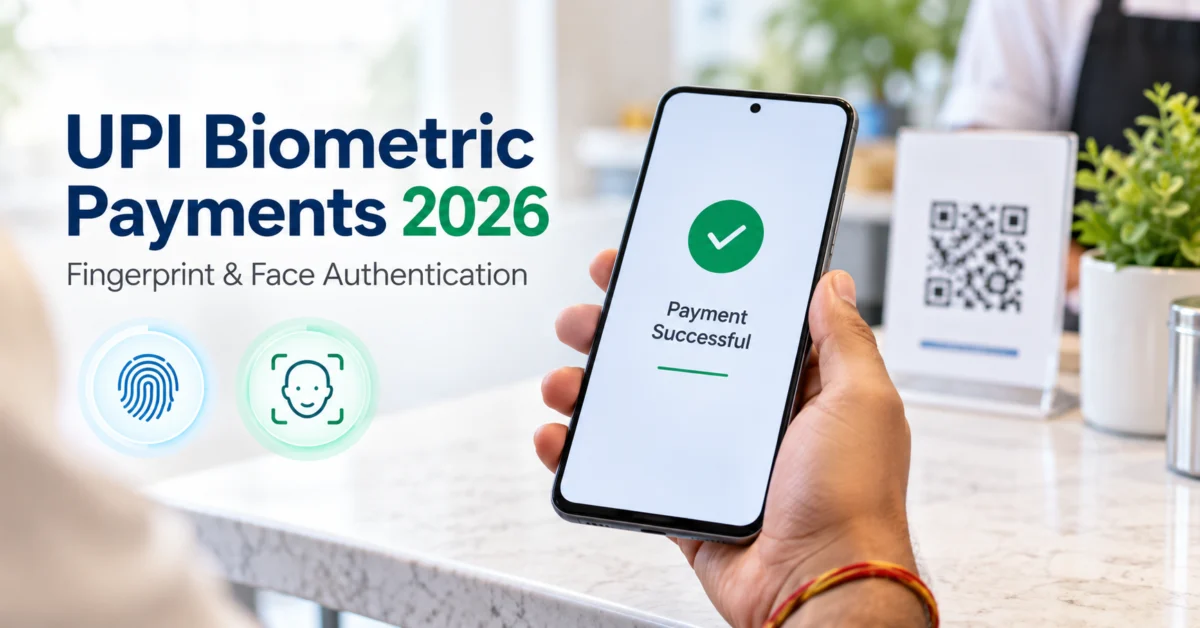
UPI biometric payments are now part of India’s evolving digital payment system, allowing eligible users to approve certain UPI transactions using the fingerprint or face authentication built into their smartphone instead of manually entering the UPI PIN.
The feature was officially introduced by the National Payments Corporation of India (NPCI) in October 2025. It was initially limited to transactions of up to ₹5,000. In 2026, NPCI enhanced the per-transaction limit for on-device biometric authentication to ₹10,000, effective from 7 August 2026.
This does not mean that UPI PINs have disappeared, or that every UPI transaction can now be approved with a fingerprint. Availability depends on the user’s bank, UPI app, smartphone and security checks.
Here is what Indian UPI users need to know.
What Are UPI Biometric Payments?
UPI biometric payments use the biometric authentication capabilities already available on a compatible smartphone, such as:
- fingerprint recognition
- secure face authentication
Instead of entering the UPI PIN at the final payment-authorisation stage, an eligible user may approve a supported transaction using on-device biometric authentication.
NPCI describes this as an optional alternative to manually entering the UPI PIN. Users who prefer the traditional PIN method can continue using it.
This is different from simply using a fingerprint to open a UPI app. App-lock biometrics protect access to the application, while UPI biometric transaction authentication can be used to authorise the actual payment when the bank, app and device support the feature.
UPI Biometric Payments 2026: What Is the Current Limit?
The most important change in 2026 is the transaction ceiling.
When on-device biometric authentication was introduced in October 2025, the maximum amount that could be authenticated through this method was ₹5,000 per transaction. NPCI subsequently issued an enhancement for FY 2026-27, raising the ceiling to ₹10,000 per transaction from 7 August 2026.
₹10,000 Is Not the Overall UPI Transaction Limit
This distinction is important.
The ₹10,000 limit applies specifically to the on-device biometric authentication method. It does not mean that the overall UPI payment limit has been reduced to ₹10,000.
Standard UPI limits can be higher and may differ according to transaction category, bank and use case. NPCI’s general UPI information, for example, lists a standard limit of up to ₹1 lakh per transaction for normal UPI, with higher limits for some specified categories.
If a payment exceeds the amount permitted for biometric authentication, the app may require another supported authentication method, such as the UPI PIN, subject to the bank’s implementation.
How Does UPI Fingerprint or Face Authentication Work?
The process is designed around the smartphone’s built-in biometric security.
A typical supported payment may work like this:
- Open your UPI application.
- Scan a merchant QR code or select a recipient.
- Enter the payment amount.
- Verify the recipient and amount carefully.
- Choose or receive the available biometric authentication option.
- Authenticate using the fingerprint or face security configured on your device.
- The payment request is securely verified and processed by the participating payment systems and issuing bank.
- Check the transaction status before leaving the payment screen.
NPCI says each transaction using on-device authentication is independently verified by the issuing bank through cryptographic checks.
The exact screen, menu name and authentication flow can differ between UPI applications, banks, Android versions, iPhones and device manufacturers.
Does Your Fingerprint or Face Get Sent to NPCI?
The feature is described as on-device biometric authentication, meaning the phone’s supported biometric capability is used during authentication.
NPCI also requires participating UPI apps and PSP banks to perform device and security validations before allowing the feature. These checks may include device compatibility, biometric enrolment status, supported operating-system versions and restrictions on rooted or jailbroken devices.
Users should avoid assuming that every phone’s face-unlock feature is automatically eligible. A bank or payment application may decide that a device or biometric implementation does not meet its security requirements.
RBI Rules Behind Biometric Payment Authentication
Biometric UPI payments are also connected to a broader change in India’s digital-payment authentication framework.
The Reserve Bank of India issued the Authentication Mechanisms for Digital Payment Transactions Directions, 2025, with payment-system participants required to comply from 1 April 2026.
RBI’s framework allows different authentication factors, including:
- something the user knows, such as a PIN or password;
- something the user has, such as a registered device or software token;
- something the user is, such as a fingerprint or another permitted biometric.
RBI requires at least two distinct authentication factors for covered digital payments, unless a specific exemption applies. For non-card-present digital payments, at least one factor must also be dynamically created or proven for that transaction.
The RBI framework does not say that PINs or OTPs must disappear. Instead, it allows payment providers to use newer authentication methods while continuing to meet security requirements.
Is UPI Biometric Authentication Safer Than a UPI PIN?
Biometric authentication can solve some problems associated with manually entering a PIN, but it should not be treated as completely risk-free.
It Can Reduce PIN Exposure
When you type a UPI PIN in a crowded shop, bus station or other public place, someone nearby may be able to observe the numbers.
Fingerprint or face authentication can reduce repeated manual PIN entry and therefore lower this particular risk.
A Biometric Cannot Be Easily Shared Like a PIN
Fraudsters frequently try to convince users to disclose confidential banking information.
A fingerprint is not something a user can accidentally read aloud over a phone call in the way they might disclose an OTP or PIN.
However, biometrics do not protect users from every type of payment fraud.
You Can Still Approve the Wrong Transaction
If a fraudster convinces you to knowingly approve a payment, biometric authentication will not automatically recognise that the recipient is fraudulent.
Before authenticating any UPI payment, always verify:
- recipient name
- amount
- purpose of payment
Authentication protects the approval process. It does not replace user judgement.
Can a Photograph Unlock a Face-Authenticated UPI Payment?
There is no single answer that applies to every smartphone.
Face-authentication security varies significantly between devices. Some phones use more advanced biometric hardware and software, while others may provide relatively basic face-unlock systems.
For this reason, NPCI requires device compatibility and security validation before on-device biometrics can be used for UPI transaction authentication.
Users should therefore avoid assuming that having a “Face Unlock” option in phone settings automatically means it can be used for UPI biometric payments.
Is UPI PIN Going Away?
No.
NPCI specifically states that the additional authentication methods are optional and users can continue using existing authentication methods.
The UPI PIN is therefore still relevant.
You may also need the PIN when:
- biometric authentication is not supported by your bank or app;
- the transaction exceeds the biometric-authentication limit;
- the phone cannot verify your fingerprint or face;
- biometric settings on the phone have changed;
- your device fails a required security check.
Keeping your UPI PIN confidential remains essential even after enabling biometric authentication.
Aadhaar Face Authentication for Setting or Resetting a UPI PIN
There is another biometric feature that should not be confused with on-device transaction authentication.
NPCI also introduced UIDAI Aadhaar-based Face Authentication as an additional method for setting or resetting a UPI PIN.
Previously, UPI PIN setup or reset commonly relied on debit-card credentials or Aadhaar OTP-based verification. NPCI’s new framework allows Aadhaar-based face authentication as another supported option where implemented.
This is a different process from approving a normal UPI payment using your phone’s fingerprint or face sensor.
How to Enable UPI Biometric Payments
There is no universal menu path that applies to every UPI app.
If your bank and UPI application support the feature, the general process may look like this:
- Update your UPI app from the official Google Play Store or Apple App Store.
- Make sure fingerprint or secure face authentication is configured on your smartphone.
- Open the UPI application’s security, payment or authentication settings.
- Look for an option related to biometric transaction authentication, if available.
- Follow the app’s verification and consent process.
- Complete any bank authentication requested by the app.
- Review the amount and recipient carefully whenever using biometrics to approve a payment.
Do not install APK files or unofficial versions of payment apps just to obtain a feature that has not yet appeared in your official app.
Availability can be rolled out differently by individual banks and UPI applications.
Important Security Precautions
Biometric authentication can improve convenience, but basic UPI safety rules remain unchanged.
Never share your:
- UPI PIN
- OTP
- debit or credit card PIN
- CVV
- banking password
- Aadhaar OTP
NPCI’s UPI guidance specifically warns users not to share their UPI PIN and states that bank customer support should not ask for it.
You should also:
- keep your phone screen lock enabled;
- register only trusted biometrics on your device;
- avoid keeping another person’s fingerprint registered on a phone used for banking;
- install operating-system security updates;
- download banking and UPI apps only from official app stores;
- avoid making payments while screen-sharing with an unknown person;
- check the recipient name before authenticating;
- immediately contact your bank if your phone or SIM is lost.
RBI also permits issuers to apply additional risk-based checks using factors such as device attributes, transaction patterns, location and user behaviour when a transaction appears unusual.
What Happens If Biometric Authentication Fails?
A failed fingerprint or face scan does not mean that your bank account is blocked.
Possible reasons include:
- wet or dirty fingers;
- damaged fingerprint sensor;
- changed biometric enrolment;
- unsupported device security;
- outdated operating system;
- app compatibility problems;
- security restrictions imposed by the bank.
Depending on the implementation, the app may allow another attempt or direct you to an alternative authentication method.
Never repeatedly enter confidential credentials on an unfamiliar screen. If something looks unusual, close the app and reopen the official application.
Are UPI Biometric Payments Mandatory?
No.
NPCI introduced on-device biometric authentication as an optional payment-authentication method. Users can continue with supported existing methods if they do not want to use biometrics.
Your bank and UPI application must also implement and support the facility. Simply owning a smartphone with a fingerprint sensor does not guarantee that the option will appear.
What Users Should Remember
UPI biometric authentication is an important convenience upgrade, but it is not a complete replacement for good security habits.
As of October 2026, eligible UPI payments of up to ₹10,000 per transaction may be authenticated using supported on-device biometrics, subject to the bank, UPI app, device and applicable security validations.
The UPI PIN remains available, biometric use is optional, and the ₹10,000 figure is the biometric-authentication ceiling rather than the general UPI transaction limit.
Before using the feature, keep the official app updated and always verify the recipient and amount before placing your finger on the sensor or approving a face scan.
DigitKerala is an independent informational website and is not affiliated with NPCI, RBI, UIDAI, any bank or any government department.
Frequently Asked Questions
1. What is the UPI biometric payment limit in 2026?
The current on-device biometric authentication ceiling is ₹10,000 per transaction, effective from 7 August 2026. This is not the overall UPI transaction limit.
2. Can I send UPI payments using my fingerprint instead of a UPI PIN?
Yes, for eligible transactions where your UPI application, issuing bank and compatible device support on-device biometric authentication.
3. Is face authentication available for UPI payments?
NPCI permits supported on-device biometric methods such as fingerprint and face authentication. Actual availability depends on device and app security validation.
4. Will UPI PIN stop working after I enable biometrics?
No. Biometric authentication is optional. Existing supported authentication methods, including the UPI PIN, continue to be available.
5. Can I use biometrics for a UPI payment above ₹10,000?
The current NPCI ceiling for on-device biometric transaction authentication is ₹10,000 per transaction. A higher eligible UPI transaction may require another authentication method, depending on the bank and app.
6. Is Aadhaar Face Authentication the same as phone Face Unlock for UPI?
No. NPCI’s Aadhaar-based Face Authentication can be used as an additional method for setting or resetting a UPI PIN where supported. On-device face authentication for payments uses the compatible biometric security available on the user’s smartphone. These are separate features.