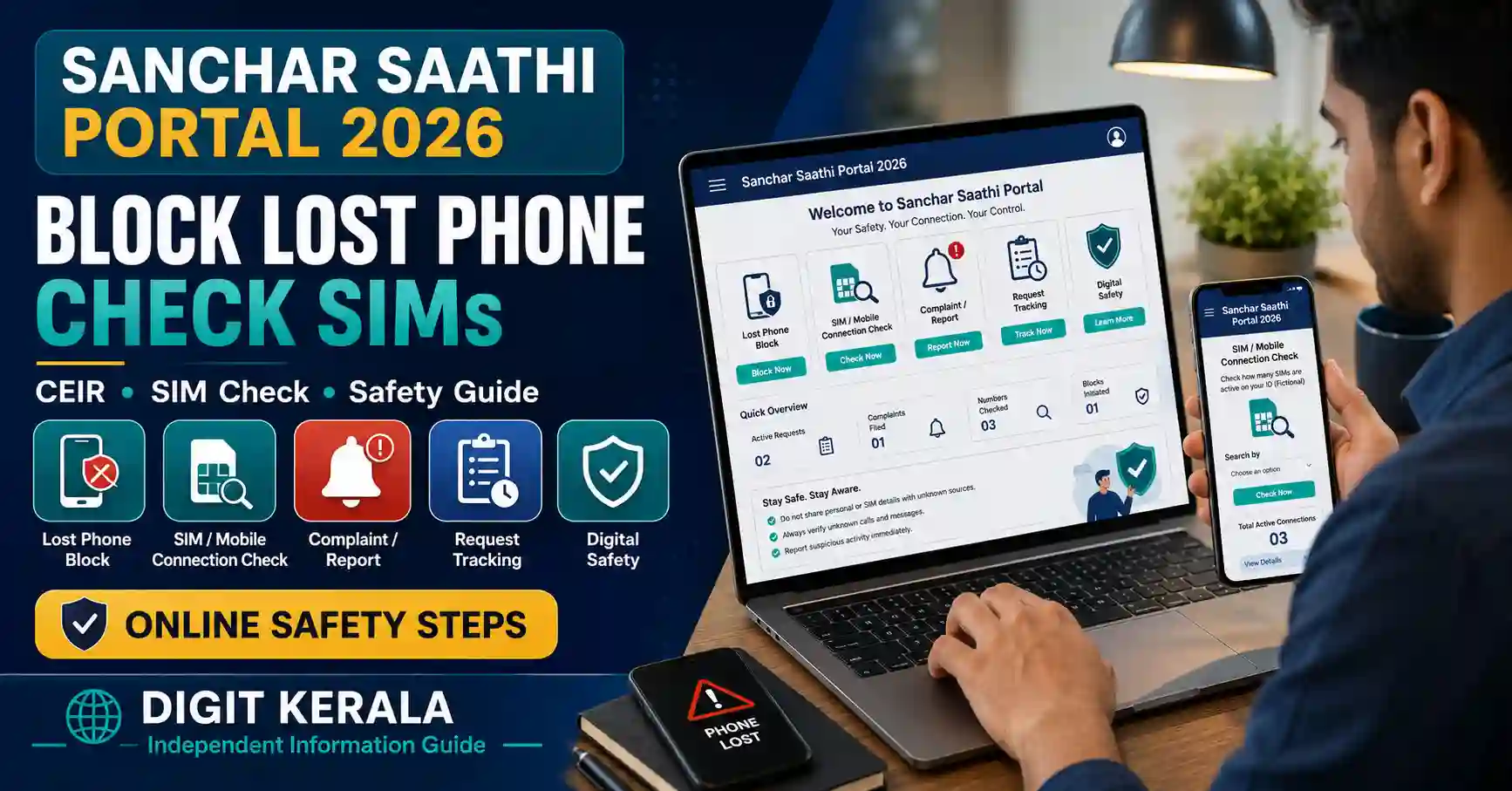
The Sanchar Saathi portal provides several free telecom-safety services for mobile users in India. Citizens can use it to block a lost or stolen handset, check mobile connections issued in their name, verify a phone’s IMEI and report suspicious calls or messages.
The platform is managed by the Department of Telecommunications under the Ministry of Communications.
Sanchar Saathi is available through its web portal and official mobile application. The main citizen services include CEIR, Know Mobile Connections, Know Your Mobile and Chakshu.
This guide explains how to use the Sanchar Saathi portal safely, the documents required to block a lost phone and the difference between reporting a suspicious communication and reporting an actual cybercrime involving financial loss.
Important: Blocking a handset through CEIR does not guarantee that the phone will be recovered. A police complaint and other security actions may still be necessary.
What Is the Sanchar Saathi Portal?
Sanchar Saathi is a citizen-centric telecom-safety initiative created by the Department of Telecommunications.
Its services are designed to help mobile subscribers:
- Block lost or stolen mobile handsets.
- Check mobile connections registered in their name.
- Report unauthorised or unnecessary SIM connections.
- Verify whether a handset’s IMEI appears genuine.
- Report suspected fraud communications.
- Report unsolicited commercial calls or messages.
- Report certain international calls displaying an Indian number.
- Check supported service-request statuses.
The official services can be accessed through the Sanchar Saathi Portal and the Department of Telecom eServices Portal.
Main Services Available
CEIR Lost or Stolen Phone Blocking
The Central Equipment Identity Register, or CEIR, allows users to request the blocking of a lost or stolen handset’s IMEI across Indian mobile networks.
Know Mobile Connections
This service, previously commonly associated with TAFCOP, displays mobile connections issued in the user’s name after OTP verification.
Users can report connections they do not recognise or no longer require.
Know Your Mobile Handset
The IMEI-verification facility helps users check information associated with a mobile handset before or after purchase.
Chakshu
Chakshu allows citizens to report suspected fraud communications and unsolicited commercial communications received through calls, SMS, WhatsApp or other supported channels.
Report International Calls Displaying Indian Numbers
This facility can be used to report suspected international calls that appear on the recipient’s phone as ordinary Indian numbers.
What Is an IMEI Number?
IMEI means International Mobile Equipment Identity.
It is generally a 15-digit identification number assigned to a mobile device.
Users can check the IMEI of a handset by dialling:
*#06#
The IMEI may also appear on:
- The phone’s original box.
- Purchase invoice.
- Device settings.
- Manufacturer account or device information page.
- Sticker or label supplied with the handset.
A dual-SIM phone commonly has two IMEI numbers. Both should be recorded and submitted when the CEIR form requests them.
Do not post an IMEI publicly. It is sensitive device-identification information.
Difference Between Blocking the SIM and Blocking the Phone
Blocking a SIM card and blocking a handset through CEIR are different actions.
SIM Blocking
The mobile operator disables the lost SIM so it cannot be used to receive calls, messages or OTPs.
CEIR Handset Blocking
CEIR blocks the handset’s IMEI so the device cannot normally be used with another SIM on mobile networks across India.
After losing a phone, contact the telecom operator to block or replace the SIM and complete the CEIR handset-blocking process separately.
Doing only one of these actions may leave another security risk unresolved.
Immediate Steps After Losing a Phone
Take the following actions as soon as possible:
- Call the lost number from another phone.
- Use the manufacturer’s official device-location service if it was previously enabled.
- Contact the telecom operator and block the lost SIM.
- Request a duplicate SIM for the lost number.
- File a complaint with the local police.
- Inform banks if banking applications were active on the device.
- Change important email, banking and social-media passwords.
- Remove the device from sensitive account sessions where possible.
- Collect the IMEI, invoice and ownership records.
- Submit the CEIR blocking request.
Do not wait for an unknown person to return the device before protecting banking and communication accounts.
Documents Required to Block a Lost Phone
The CEIR process generally requires:
- Copy of the police complaint or police report.
- Accepted identity document of the mobile owner.
- IMEI number or numbers.
- Lost mobile number.
- Device brand and model.
- Date and place where the phone was lost.
- Police-station and complaint details.
- Alternate mobile number for OTP and notifications.
- Mobile purchase invoice when available.
The current form may also request the device price and the owner’s address.
If Aadhaar is used as identity proof, follow the portal’s instructions regarding a masked Aadhaar document.
Upload only clear and readable files. The information in the police complaint, identity document and CEIR request should be consistent.
Why Is a Duplicate SIM Required?
The official CEIR guidance instructs the user to obtain a duplicate SIM for the lost mobile number.
The reissued number is required because an OTP may be sent to it during the blocking process.
The CEIR guidance also notes that SMS services on a reissued SIM may become available only after the applicable activation waiting period, which can be around 24 hours.
If the OTP is not received immediately after obtaining the replacement SIM, wait for SMS services to become active and try again.
How to Block a Lost or Stolen Phone Through CEIR
Follow these general steps:
- File a police complaint and retain a copy.
- Contact the telecom operator and obtain a replacement SIM.
- Open the official CEIR Lost Phone Blocking Form.
- Enter the lost mobile number.
- Enter both mobile numbers if the lost handset used two SIMs and the form requests them.
- Enter the 15-digit IMEI number.
- Enter both IMEIs for a dual-SIM handset.
- Select the device brand and enter the model.
- Upload the purchase invoice when available.
- Enter the place and date of loss.
- Select the State, district and police station.
- Enter the police-complaint number.
- Upload a clear copy of the police complaint.
- Enter the owner’s personal and address information.
- Upload the accepted identity document.
- Enter an active alternate number for OTP.
- Complete the OTP and security verification.
- Review the declaration.
- Submit the request.
- Save the generated Request ID.
Portal fields may be revised. Follow the current instructions displayed on the official CEIR page.
What Happens After a Phone Is Blocked?
The CEIR FAQ states that a successfully submitted handset-blocking request is generally processed within 24 hours.
Once blocked, the handset should not be usable on mobile networks across India, even if another SIM is inserted.
CEIR blocking does not prevent police authorities from tracing the lost or stolen handset.
However, blocking does not guarantee:
- Immediate recovery.
- A specific recovery date.
- Return of data stored on the phone.
- Compensation for the device.
- Protection of accounts that were already compromised.
Continue following the police complaint and secure all accounts connected to the phone.
How to Check a CEIR Request Status
After submitting the blocking request, keep the Request ID safely.
To check the status:
- Open the official CEIR Request Status page.
- Enter the requested application information.
- Complete the displayed verification.
- Submit the details.
- Review the current status.
Do not submit repeated blocking requests merely because the status has not changed immediately.
If the Request ID has been lost, use the official “Forgot Request ID” option available through CEIR.
What If the Phone Is Recovered?
Do not continue using a CEIR-blocked phone without completing the official unblocking process.
First inform the local police that the phone has been recovered.
Then:
- Open the official CEIR Unblocking Form.
- Select the appropriate unblocking option.
- Enter the CEIR Request ID.
- Enter the mobile number used for notifications.
- Provide the requested police-complaint information.
- Select the reason for unblocking.
- Complete OTP and security verification.
- Submit the request.
- Save the acknowledgement.
If the original blocking request was registered by the State Police, the user may need to approach the police to initiate the unblocking request.
Unblock a handset only after it is physically recovered and confirmed to belong to the applicant.
Lost New Phone Without a SIM
The online CEIR form may not process a newly purchased handset that was lost or stolen before any SIM was used in it.
In such a case, official CEIR guidance advises contacting the relevant CEIR district nodal police officer with:
- FIR or police complaint.
- IMEI number or numbers.
- Purchase and ownership information.
- Other documents requested by the authority.
The police complaint should clearly mention the handset’s IMEI.
How to Check Mobile Connections in Your Name
The Know Mobile Connections facility allows a subscriber to view partially masked mobile numbers associated with their identity.
The general steps are:
- Open the official Sanchar Saathi or DoT eServices portal.
- Select Know Mobile Connections in Your Name.
- Enter an active mobile number registered in your name.
- Request an OTP.
- Enter the OTP.
- Review the displayed list of connections.
- Identify any number that is unauthorised or no longer required.
- Select the appropriate reporting option.
- Submit the request.
- Save the ticket or reference ID.
The options may include wording similar to:
- This is not my number.
- This is my number, but it is not required.
Select carefully. Do not report a family member’s number without checking whether it was legitimately issued using your identity documents.
What Happens After Reporting an Unknown SIM?
Reporting a number through the portal does not necessarily disconnect it instantly.
The request may trigger verification by the telecom service provider and the responsible authorities.
The outcome depends on:
- Subscriber records.
- KYC information.
- Telecom-provider verification.
- Whether the connection belongs to the reporting person.
- Current telecom rules.
- Response to verification notices.
Keep the generated ticket ID and track the progress when the facility is available.
If an unknown number appears in your name, also review whether copies of your identity documents may have been misused.
How to Verify a Mobile Handset’s IMEI
The Know Your Mobile facility can help check whether an IMEI appears valid and matches the handset information.
To use the web facility:
- Open the official IMEI Verification page.
- Enter an active mobile number.
- Complete OTP verification.
- Enter the 15-digit IMEI.
- Submit the request.
- Compare the displayed device information with the handset.
An alternative SMS method listed by CEIR is:
KYM <15-digit IMEI number>
Send it to:
14422
Check the current portal instructions before using the SMS option.
When Should You Verify an IMEI?
IMEI verification can be useful:
- Before purchasing a used phone.
- When buying from an unfamiliar seller.
- When device details do not match the box.
- When the phone shows network-registration problems.
- After a repair involving the device motherboard.
- When multiple phones appear to have the same IMEI.
- When authorities or the telecom provider request verification.
IMEI verification does not confirm every aspect of ownership, warranty or physical condition.
Before buying a used phone, also check:
- Original invoice.
- Seller’s identity.
- Device serial number.
- Activation lock.
- Manufacturer warranty status.
- Whether the phone is linked to another user’s account.
- Whether CEIR or police records show a problem.
Avoid purchasing a handset with an invalid, duplicate or altered IMEI.
What Is Chakshu?
Chakshu is a facility for reporting suspicious communications that may be intended to deceive users or facilitate cybercrime.
Supported reports may include suspicious:
- Phone calls.
- SMS messages.
- WhatsApp communications.
- Web links.
- Unsolicited commercial communications.
Examples include communications claiming:
- Bank or wallet KYC has expired.
- SIM service will be disconnected.
- Electricity or gas connection will be disconnected.
- The recipient has won a lottery or prize.
- A job is available after payment.
- A government official requires an immediate transfer.
- A relative urgently needs money.
- A fake customer-care agent needs an OTP.
- A parcel contains illegal items.
- A loan has been approved without an application.
- Money must be paid to avoid arrest.
Reporting through Chakshu helps authorities identify misuse of telecom resources. It does not guarantee an individual response or immediate blocking of every reported number.
How to Report a Suspicious Communication
The general steps are:
- Open the official Sanchar Saathi portal or application.
- Select Chakshu or Report Suspected Fraud Communication.
- Choose the communication type.
- Enter the suspicious number or sender information.
- Select the type of suspected fraud.
- Enter the date and time.
- Describe what the sender claimed.
- Upload a screenshot when requested.
- Provide the reporting mobile number.
- Complete OTP verification.
- Submit the report.
- Save the acknowledgement when displayed.
Provide accurate information. Do not report a legitimate business or individual merely because of a personal disagreement.
Chakshu and Cybercrime Complaints Are Different
Chakshu is primarily intended for reporting suspicious communications and attempted fraud before or without an actual financial loss.
It is not the correct replacement for reporting a completed cybercrime or financial loss.
If money has already been lost:
- Immediately call the National Cybercrime Helpline at 1930.
- Inform the bank, wallet or payment application.
- Register a complaint through the official National Cyber Crime Reporting Portal.
- Keep transaction IDs, bank references and screenshots.
- Follow any instructions provided by the bank or police.
The faster a financial cyber-fraud incident is reported, the better the opportunity authorities may have to act. Recovery is not guaranteed.
Reporting International Calls Displaying Indian Numbers
Some illegal telecom arrangements can make an international call appear as though it came from an ordinary Indian mobile number.
Sanchar Saathi provides a facility to report incoming international calls displaying an Indian number.
A report may be appropriate when:
- The caller is clearly calling from outside India.
- The screen displays an Indian
+91number. - The communication appears suspicious or manipulated.
- The caller impersonates an authority, company or relative.
- The call attempts to obtain money or sensitive information.
Do not report every unknown +91 call as an international-call violation. Provide truthful details about what was observed.
Using the Sanchar Saathi Mobile Application
The Sanchar Saathi application provides supported portal services through a smartphone.
Features may include:
- Reporting suspicious calls or messages.
- Checking mobile connections.
- Blocking a lost or stolen device.
- Verifying a handset’s IMEI.
- Reporting international calls displaying Indian numbers.
- Accessing service-request information.
Download the application only through:
- The official Sanchar Saathi website.
- Google Play Store.
- Apple App Store.
Before installing, verify that the developer information refers to the Department of Telecommunications or the authorised government developer.
Avoid unofficial APK files and similarly named applications.
Application Permissions and Privacy
The official Sanchar Saathi privacy policy explains that the application may request permissions required for particular features.
On supported Android devices, these may include permissions relating to:
- Phone-number detection.
- Sending the registration SMS.
- Call or SMS logs for selecting a communication to report.
- Photos and files for uploading evidence.
- Camera access for scanning IMEI information.
On iOS, supported features may request access to photos, files or the camera.
Review every permission before accepting it. A permission can affect whether a particular feature works.
The official policy states that the application is user-driven and operates with user consent. Users should review the current privacy policy before registration.
Common CEIR Problems and Possible Solutions
OTP Is Not Received
Confirm that the replacement SIM has been activated and SMS service is working. Reissued SIMs may have a waiting period before receiving service messages.
IMEI Is Rejected
Check that the complete 15-digit number has been entered without spaces. A dual-SIM handset may have two different IMEIs.
Police Complaint Is Not Accepted
Upload a clear copy containing the relevant complaint number, device information and IMEI where required.
Request Already Exists
The police may already have registered the device in CEIR. Do not create duplicate requests. Contact the police or use the existing request details.
Invoice Is Unavailable
The official FAQ states that an invoice can be provided, while identity proof and the police report are required. Follow the current form instructions and provide other valid ownership information requested.
Blocked Phone Is Recovered but Has No Network
Complete the official CEIR unblocking request. If the original request was submitted through police, contact the responsible police authority.
Unknown SIM Is Displayed
Report it using the correct Know Mobile Connections option and retain the ticket ID. Do not contact the unknown user directly.
Mobile Security Tips
Follow these precautions:
- Record the phone’s IMEI before it is lost.
- Keep the invoice and box safely.
- Use a strong screen lock.
- Enable biometric security where appropriate.
- Enable the manufacturer’s official device-location feature.
- Protect the SIM with a PIN when supported.
- Never share banking or account OTPs.
- Keep sensitive applications protected with separate authentication.
- Review mobile connections issued in your name periodically.
- Verify an unfamiliar handset before purchase.
- Avoid used phones without ownership documents.
- Install applications only from authorised stores.
- Never pay agents to submit a Sanchar Saathi request.
- Do not publish CEIR documents or Request IDs on social media.
Sanchar Saathi services cannot replace responsible password, banking and device security.
Frequently Asked Questions
Is Sanchar Saathi a government portal?
Yes. It is a citizen-centric initiative managed by the Department of Telecommunications under the Ministry of Communications.
Can I block a stolen phone using its IMEI?
Eligible users can submit a CEIR request with the IMEI, police complaint, identity information and other required details.
Is a police complaint required?
Yes. The official CEIR process requires a copy of the police report or complaint.
Does CEIR also block the SIM?
No. Contact the telecom operator separately to block or replace the lost SIM.
How long does CEIR blocking take?
The CEIR FAQ states that a successfully submitted request is generally blocked within 24 hours. Verification or incorrect information may affect processing.
Will CEIR recover my phone?
CEIR can block the device and support tracing by law-enforcement authorities, but recovery is not guaranteed.
Can a recovered phone be unblocked?
Yes. Inform the police and submit the official unblocking request. Police involvement may be required when the original request was registered by police.
How can I find an unknown SIM issued in my name?
Use the Know Mobile Connections service and verify the partially masked numbers after OTP authentication.
Can I report fraud through Chakshu?
Chakshu can be used for suspicious or unsolicited communications. If cybercrime or financial loss has already occurred, call 1930 and use cybercrime.gov.in.
Can I verify a used phone before buying it?
You can verify its IMEI through the Know Your Mobile facility. Also check ownership, invoice, activation lock and physical condition.
Is the Sanchar Saathi application compulsory?
The platform is presented as a citizen service. Users should follow current official instructions and review application permissions and privacy information before activation.
Official References
- Sanchar Saathi Official Portal
- Department of Telecom eServices Portal
- CEIR Lost or Stolen Phone Service
- CEIR Blocking Form
- CEIR Request Status
- CEIR Unblocking Form
- IMEI Verification
- National Cyber Crime Reporting Portal
- Sanchar Saathi Application Privacy Policy
Last reviewed: August 30, 2026.
Disclaimer: DIGIT KERALA is an independent information website and is not affiliated with the Department of Telecommunications, Ministry of Communications, Sanchar Saathi, CEIR, any telecom operator or law-enforcement agency. This article is provided for general informational purposes only. Portal services, required documents, processing times and procedures may change. Blocking or reporting a device does not guarantee recovery, compensation or a specific enforcement outcome. Always verify current instructions through official government portals.