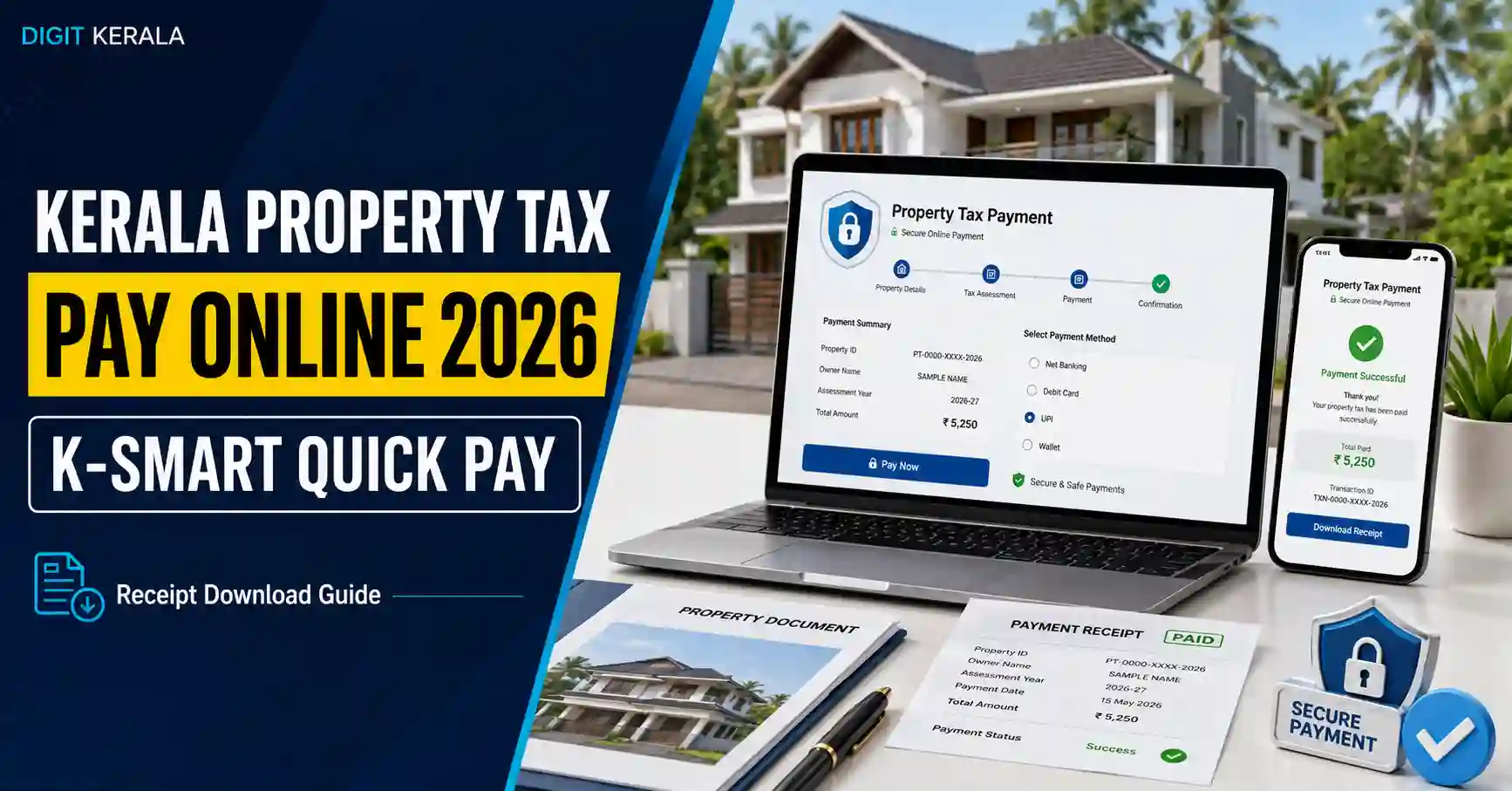
Kerala Property Tax Online Payment is available through the official K-SMART portal of the Kerala Local Self Government Department. Property owners can search for building details, check available tax demand, complete payment through the options displayed on the portal and download payment receipts.
K-SMART provides Smart Search and Advanced Search options for finding a building. Users should carefully verify the owner, building and local-body details before making any payment.
Information verified on August 26, 2026: Portal fields, payment options and procedures may change. Always follow the latest instructions displayed on the official K-SMART website.
Official Kerala Property Tax Online Payment Website
Use the official K-SMART Property Tax page:
Open K-SMART Property Tax Services
The direct Quick Pay page is:
Open K-SMART Property Tax Quick Pay
Before entering a mobile number, Aadhaar number, Building ID or property information, verify that the website address ends with:
ksmart.lsgkerala.gov.in
Avoid advertisements, unofficial payment links and websites using similar-looking names.
What Is K-SMART Property Tax Quick Pay?
K-SMART Quick Pay is an online facility for searching building-tax records and paying available property-tax dues connected with local self-government institutions in Kerala.
The portal provides two building-search methods:
- Smart Search
- Advanced Search
Smart Search can be useful when the building is already connected with searchable information such as a mobile number, Aadhaar number or Building ID.
Advanced Search can be used with local-body, ward and door-number information.
Information to Keep Ready
Depending on the selected search method, keep the following details ready:
- Registered mobile number.
- Aadhaar number, if applicable.
- Building ID, if available.
- District where the property is situated.
- Local Body Type.
- Local Body Name.
- Ward Year.
- Ward details or ward number.
- Door number.
- Sub number, if applicable.
- Mobile phone for receiving an OTP when downloading receipts.
Do not publicly share Aadhaar details, OTPs, complete tax receipts or personal building information.
How to Pay Kerala Property Tax Online
Follow these steps carefully using a mobile phone or computer.
Step 1: Open the Official K-SMART Quick Pay Page
Visit the official Property Tax Quick Pay page.
Confirm that the browser displays the genuine ksmart.lsgkerala.gov.in domain.
Step 2: Choose a Building Search Method
Select either:
- Smart Search
- Advanced Search
Use the method for which you have accurate building information.
Method 1: Smart Search
The current Smart Search section allows users to search using any one of the following:
- Mobile Number
- Aadhaar Number
- Building ID
Enter only one accurate identifier and select Search.
Search Using Mobile Number
Enter the mobile number associated with the building record.
A mobile number may be connected with more than one property. Carefully select and verify the correct building if multiple records are displayed.
Search Using Aadhaar Number
If the building record is connected with an Aadhaar number, enter it only on the official K-SMART website.
Never share an Aadhaar number through WhatsApp, social-media comments or unofficial service websites.
Search Using Building ID
A Building ID may be available on an earlier property-tax receipt or official building record.
Enter the Building ID exactly as shown in the document. Avoid adding spaces or changing characters unless the portal specifically requests a different format.
Method 2: Advanced Search
If Smart Search does not find the building, select Advanced Search.
The current Advanced Search form requests the following details:
District
Select the district where the property is situated.
Local Body Type
Choose the appropriate local-body category, such as the category applicable to the property’s Panchayat, Municipality or Municipal Corporation.
Local Body Name
Select the exact local self-government institution responsible for the property.
The present residential address of the owner may be different from the location of the property. Select details based on the building being searched.
Ward Year
Select the Ward Year provided in the portal.
Ward numbers and boundaries can change following delimitation or administrative updates. Use the Ward Year connected with the building record when possible.
Ward Details
Choose the correct ward from the available list.
Check an earlier receipt or local-body record if you are unsure about the ward.
Search By
The Advanced Search form provides a Search By option. The default visible option may use Door Number and Sub Number.
Choose the option appropriate for the information available.
Door Number
Enter the official door or building number.
For example, if the registered number contains a main number and sub number, enter them in their respective fields instead of combining them incorrectly.
Sub Number
Enter the alphabet, number or other sub-number detail if one is part of the official building number.
If the building has no sub number, follow the instructions displayed on the portal.
Complete the Verification
Complete the “I am not a robot” verification shown on the page and select Search.
Do not repeatedly submit incorrect building details.
Verify the Building Before Payment
When a matching property appears, carefully review the displayed information before continuing.
Check details such as:
- Property owner’s name.
- District.
- Local body.
- Ward information.
- Door or building number.
- Property description.
- Tax-demand period.
- Outstanding amount.
- Any other charges displayed.
Do not proceed if the displayed building does not belong to you or does not match the property for which payment is intended.
If any important information is incorrect, contact the relevant local body before making payment.
Review the Property-Tax Demand
The portal may display the current demand and previous pending amounts connected with the building.
Review:
- Tax period.
- Previous dues.
- Current demand.
- Additional charges, if displayed.
- Total payable amount.
K-SMART’s payment policy states that property-tax amounts pending up to the last half-year are considered tax dues.
The applicable tax amount can vary according to the property, local body, assessment and demand records. This article does not calculate or estimate the amount payable.
Complete the Online Payment
After verifying the building and demand details:
- Select the appropriate tax demand.
- Review the total amount.
- Provide any additional payer information requested.
- Choose one of the payment options displayed by K-SMART.
- Confirm that the amount and property details are correct.
- Complete the payment through the official payment screen.
- Wait until the portal displays the final status.
Do not press the Back button, refresh the page or close the browser while the payment is being processed.
Never send a tax payment to a personal UPI number or bank account provided through an unofficial message.
Save the Payment Confirmation
After a successful transaction:
- Note the transaction or reference number.
- Download the payment receipt.
- Save a PDF copy on the device.
- Keep a backup in secure storage.
- Confirm that the receipt shows the correct building and payment amount.
Avoid posting complete receipts publicly because they may contain personal and property-related information.
How to Download a Kerala Property Tax Receipt
K-SMART provides a separate Property Tax Receipt Download page:
Open the official Property Tax Receipt Download page
The current receipt page asks users to:
- Enter the mobile number used or associated with the transaction.
- Select Get OTP.
- Enter the OTP received on the mobile phone.
- View available property-tax payment receipts.
- Download the required receipt.
Keep the OTP confidential. K-SMART support staff, agents or other people should not need your OTP through a phone call or WhatsApp message.
What to Do If the Payment Status Is Pending
A payment may occasionally remain pending because of a delayed response between the bank, payment system and K-SMART.
If this happens:
- Do not immediately make the same payment again.
- Check whether money was deducted from the bank account.
- Wait for the transaction status to update.
- Check the official Receipt Download page.
- Keep the bank transaction reference number.
- Contact official K-SMART or local-body support if the status remains unresolved.
According to the K-SMART payment policy, if one payment succeeds while another payment for the same building is pending, and the pending payment later becomes successful, the additional amount will be adjusted as an advance payment for the next half-year.
Even so, users should avoid intentionally making duplicate payments.
What Happens to Excess Property Tax Paid?
The official K-SMART payment policy states that excess property tax paid will be adjusted as an advance payment for the next half-year.
Users should preserve all receipts and verify the adjustment in the subsequent demand. Contact the relevant local body if the advance amount does not appear as expected.
Property Not Found in K-SMART
If the building does not appear, check the following:
- Correct district was selected.
- Correct local-body type was selected.
- Correct local-body name was selected.
- Ward Year matches the record.
- Ward details are correct.
- Door number and sub number were entered separately.
- Mobile number is connected with the building record.
- Building ID was entered correctly.
- Aadhaar information, if used, matches the available record.
Try Advanced Search if Smart Search does not work.
If the record is still unavailable, contact the property-tax section of the relevant Panchayat, Municipality or Corporation. Avoid guessing multiple combinations or paying for a different building with similar details.
Wrong Owner Name or Building Details
Do not ignore an important mismatch merely because the door number appears correct.
Incorrect owner, ward, building classification or assessment information may require verification or correction by the local body.
Use official K-SMART property-tax services or contact the local authority. Supporting documents may be required depending on the requested correction.
Do not edit a downloaded receipt or create a modified version of an official document.
Can Property Tax Be Paid for Another Person?
K-SMART provides an official “Pay Tax for Others” facility. Use the building’s correct details and verify that the property belongs to the intended person before paying.
Do not enter another person’s Aadhaar number or other sensitive information without their permission.
A property-tax payment does not by itself establish ownership or transfer rights over the property.
Safety Tips for Online Property-Tax Payment
Follow these precautions:
- Use only the official K-SMART website.
- Check the amount before confirming payment.
- Never share OTPs or passwords.
- Avoid payments through links received from unknown people.
- Do not use public Wi-Fi for transactions when a safer connection is available.
- Save the transaction reference and receipt.
- Log out after using a shared device.
- Check the bank account after payment.
- Do not pay again immediately if the first transaction remains pending.
- Contact official support for unresolved transactions.
Frequently Asked Questions
What is the official website for Kerala Property Tax Online Payment?
The official property-tax service is available through the Government of Kerala’s K-SMART portal:
https://ksmart.lsgkerala.gov.in/ui/web-portal/property-tax
Can I search for a building using a mobile number?
The current Smart Search form provides Mobile Number, Aadhaar Number and Building ID search options.
What details are required for Advanced Search?
The current form asks for District, Local Body Type, Local Body Name, Ward Year, Ward Details, Search By option, Door Number and Sub Number where applicable.
How can I download an old property-tax receipt?
Use the official Receipt Download page. Enter the mobile number, verify it through OTP and view the receipts available for that number.
Should I pay again if the transaction is pending?
Do not immediately repeat the payment. Check the bank account, receipt page and transaction status first.
What happens if property tax is paid twice?
The K-SMART payment policy states that an additional successful amount for the same building may be adjusted as an advance payment for the next half-year.
Can I pay tax for another person?
K-SMART provides a Pay Tax for Others option. Verify the property details and obtain permission before using another person’s sensitive information.
Does paying property tax prove ownership?
A payment receipt records the tax transaction. It should not be treated by itself as proof that ownership has been transferred or legally established.
Official Sources
This guide was prepared using the following official Government of Kerala sources:
- K-SMART Property Tax Services
- K-SMART Property Tax Quick Pay
- K-SMART Property Tax Receipt Download
- K-SMART Payment Policy
- About K-SMART
Disclaimer
This article is provided for general information and public-awareness purposes only. DIGIT KERALA is an independent information website and is not affiliated with, authorised by or endorsed by K-SMART, Information Kerala Mission, the Local Self Government Department, any local body or the Government of Kerala.
Property-tax amounts, search fields, payment options and procedures may change. Verify the building, demand and transaction details through the official K-SMART portal before making a payment.