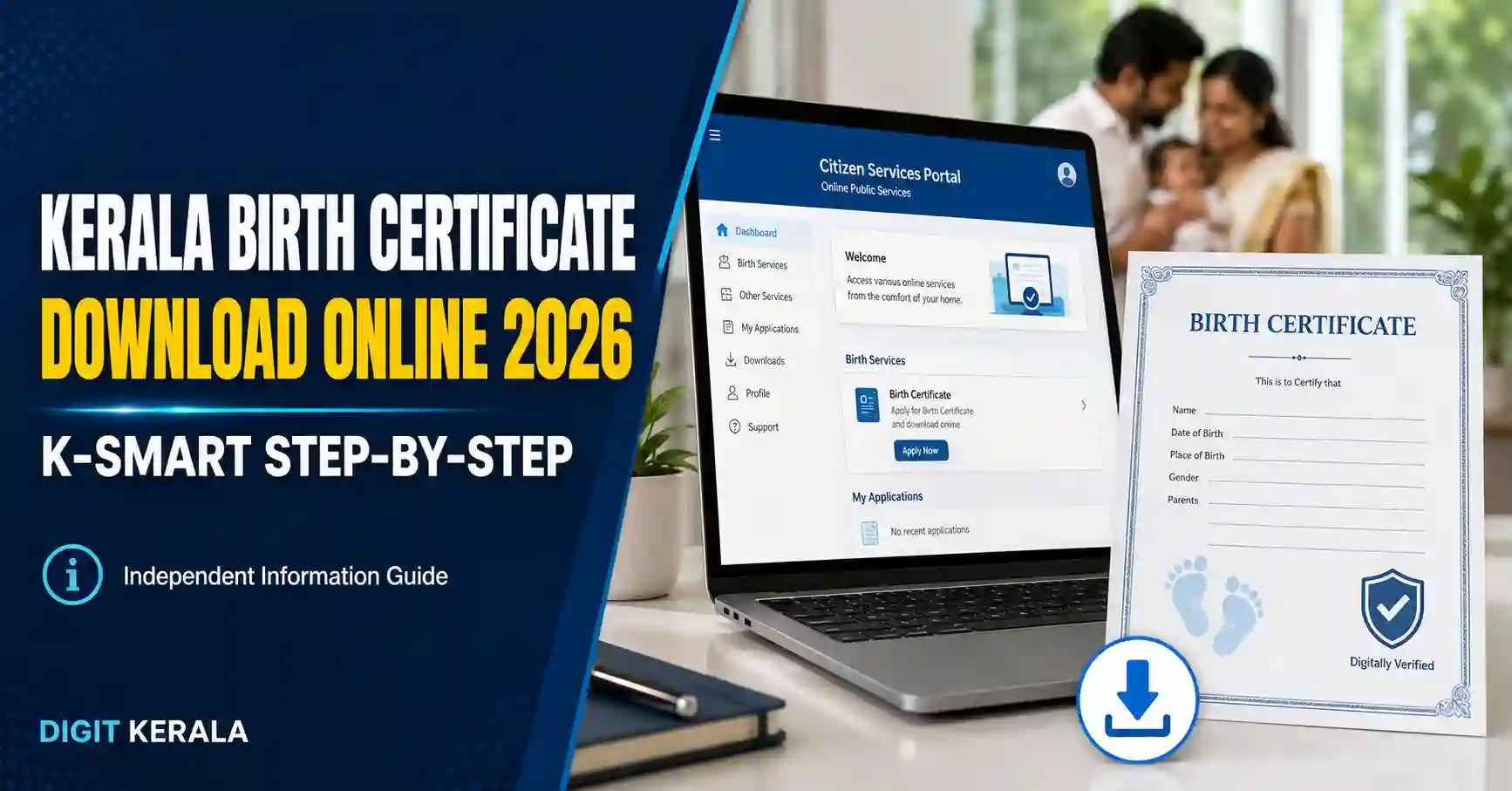
Kerala Birth Certificate Download is now available through the official K-SMART portal of the Kerala Local Self Government Department. People can search for registered birth records and access available certificate options using basic information such as the district, local body, date of birth, sex and mother’s name.
The K-SMART Quick Certificate service can be accessed without depending on unofficial websites or agents. This guide explains the official 2026 process, the information required for searching, the difference between Normal Search and Smart Search and the steps to follow when a record cannot be found.
Information verified on August 26, 2026: Government portals, search fields and service procedures may change. Always check the latest instructions displayed on the official K-SMART website.
Official Kerala Birth Certificate Download Website
Use the following official Government of Kerala link:
Open the official K-SMART Birth Certificate page
The portal is owned by the Local Self Government Department, Government of Kerala, and developed by Information Kerala Mission.
Citizens should avoid entering personal information on unofficial websites that claim to provide Kerala birth certificates.
What Is K-SMART?
K-SMART stands for Kerala Solution for Managing Administrative Reformation and Transformation. It is an official digital platform providing services connected with Kerala’s local self-government institutions.
K-SMART offers access to services such as:
- Birth registration and certificates.
- Death registration and certificates.
- Marriage-related services.
- Property-tax services.
- Building permissions.
- Trade licences.
- Public grievance services.
- File tracking and other local-government services.
Services previously provided through the ILGMS Citizen Service Portal for Grama Panchayats were moved to K-SMART after April 4, 2025. Therefore, users should now begin their search through the current K-SMART portal instead of following older ILGMS instructions.
Information Required to Search for a Birth Certificate
Keep the following information ready before starting the Kerala Birth Certificate Download process:
- District where the birth was registered.
- Type of local body.
- Name of the local body.
- Sex as recorded in the birth register.
- Correct date of birth.
- At least three English letters from the mother’s first, middle or last name.
The details entered must match the information available in the official birth register. Differences in spelling, date of birth, local body or mother’s name can prevent the record from appearing.
How to Download Kerala Birth Certificate Online
Follow these steps using a mobile phone or computer.
Step 1: Open the Official K-SMART Page
Visit the K-SMART Birth Certificate search page.
Confirm that the website address ends with:
ksmart.lsgkerala.gov.in
Do not enter personal information if the domain name is different or suspicious.
Step 2: Select Normal Search
The page provides two search options:
- Normal Search
- Smart Search
Normal Search is suitable when you know the birth date, district and local body where the registration was completed.
Step 3: Select the District
Choose the district in which the birth was registered.
Kerala has 14 districts:
- Thiruvananthapuram
- Kollam
- Pathanamthitta
- Alappuzha
- Kottayam
- Idukki
- Ernakulam
- Thrissur
- Palakkad
- Malappuram
- Kozhikode
- Wayanad
- Kannur
- Kasaragod
The district should be selected according to the registration record and not necessarily the person’s present residential address.
Step 4: Select the Local Body Type
Choose the correct local-body category displayed on the portal.
Depending on the place where the birth was registered, this may relate to a:
- Grama Panchayat
- Municipality
- Municipal Corporation
Select the category carefully because the next list of local bodies depends on this choice.
Step 5: Select the Local Body
Choose the Panchayat, Municipality or Corporation where the birth registration was completed.
If you are unsure, check old hospital documents, previous certificates, family records or other available registration information. Selecting a nearby but incorrect local body may produce no result.
Step 6: Select Sex
Choose the sex exactly as recorded in the birth-registration details.
If the information entered does not match the registered record, the portal may not display the certificate.
Step 7: Enter the Date of Birth
Enter the date of birth in the format requested by the portal:
DD-MM-YYYY
Check the day, month and year before continuing.
Step 8: Enter the Mother’s Name
Enter at least the first three English letters from the mother’s first name, middle name or last name.
Use the spelling that was likely entered during the original registration. If the search does not work, carefully check alternative spellings available in older records.
Step 9: Click Search
Review all the entered information and select the Search button.
If a matching birth record is available, review the displayed details carefully. Use the available certificate preview, view, download or print option provided on the portal.
The exact buttons displayed may change depending on the record and the current version of K-SMART.
Step 10: Verify the Certificate
After opening the certificate, check important details such as:
- Name of the person.
- Date of birth.
- Sex.
- Names of the parents.
- Place of birth.
- Registration number.
- Registration date.
- Name of the issuing local body.
Do not edit or digitally alter an official certificate. If any information is incorrect, use the official correction procedure.
What Is Smart Search?
K-SMART also provides a Smart Search option.
The current Smart Search section asks users to select:
- District.
- Local Body Type.
- Local Body.
- Search By option.
Smart Search may be useful when the normal search details are unavailable or when the user wants to search through another identifier offered by the portal.
After choosing the Search By option, enter the additional information requested on the screen. Only use information belonging to the person whose certificate you are authorised to access.
Is K-SMART Login Required?
The Quick Certificate Birth page can be opened publicly and the Normal Search form is displayed without first completing a citizen login.
However, registration or login may be required for certain services, applications, corrections or follow-up requests. Follow the instructions displayed on the official portal for the particular service required.
Never share a password or OTP with an agent or an unknown person.
What to Do If the Birth Certificate Is Not Found
A “record not found” result does not always mean that the birth was never registered. It may happen because one or more search details do not match the official record.
Check the following:
- Confirm the correct district.
- Confirm the correct local body type.
- Select the local body where the birth was registered.
- Recheck the date of birth.
- Confirm the sex recorded during registration.
- Try the correct English spelling of the mother’s name.
- Enter three letters from another part of the mother’s registered name.
- Try the Smart Search option.
- Check whether an older record contains a spelling variation.
- Contact the registrar of births and deaths at the relevant local body if the record is still unavailable.
Do not repeatedly enter random information. Use only genuine details connected with the registered birth record.
Birth Registered in a Different Local Body
A person may currently live in one district while the birth was registered in another district or local body.
For example, if a child was born and registered in a Municipality but the family later moved to a Grama Panchayat, the search should normally begin with the local body where the original registration occurred.
Present residential address alone may not identify the correct registration office.
How to Correct Errors in a Birth Certificate
Name, parent details, spelling, date or other information should not be corrected by editing the downloaded certificate.
Use the official civil-registration correction service available through K-SMART or contact the registrar at the relevant local body.
The documents and verification required can vary depending on:
- The information requiring correction.
- The age of the registration.
- Available hospital or school records.
- Supporting identity documents.
- Instructions issued by the registrar.
Read the latest K-SMART requirements before submitting an application. Do not upload personal documents to unofficial websites.
Can an Old Birth Certificate Be Downloaded?
Availability depends on whether the birth record has been digitised and whether the information entered matches the register.
If an older record does not appear:
- Try both Normal Search and Smart Search.
- Check older documents for the correct registration details.
- Verify the local body and spelling.
- Contact the birth-and-death registration section of the relevant local body.
The local authority can provide guidance about record availability, corrections or further procedures.
Mobile Phone Tips
K-SMART can be opened through a mobile browser. For easier use:
- Use an updated browser such as Chrome.
- Maintain a stable internet connection.
- Enter the date in the requested format.
- Allow the page enough time to load dropdown lists.
- Check downloaded files in the browser’s Downloads section.
- Use a PDF reader to open the certificate.
- Avoid using public Wi-Fi when entering personal details.
- Do not save certificates on a shared or public device.
If the page does not load correctly, refresh it once or try again after checking the internet connection.
How to Identify the Genuine K-SMART Website
Before entering birth details, check the domain carefully.
The official portal is:
https://ksmart.lsgkerala.gov.in/
Safety precautions include:
- Do not trust advertisements pretending to be the certificate portal.
- Do not install unknown applications.
- Do not share OTPs, passwords or complete certificates publicly.
- Do not make payments through personal UPI numbers sent by strangers.
- Use the contact or support information displayed on the official portal.
- Close the browser after using a public or shared computer.
Frequently Asked Questions
What is the official website for Kerala Birth Certificate Download?
The official Quick Certificate Birth page is available through the Government of Kerala’s K-SMART portal at:
https://ksmart.lsgkerala.gov.in/ui/cr/public/quick-certificate-birth
What information is required for Normal Search?
The current form asks for the district, local body type, local body, sex, date of birth and at least three English letters from the mother’s registered name.
Can I search without a registration number?
The current Normal Search form does not ask for a registration number. Users can search with the details displayed on the form.
Why is my Kerala birth certificate not showing online?
The selected local body, date of birth, sex or spelling of the mother’s name may not match the registered information. Older records may also require assistance from the relevant local body.
Can I correct the name by editing the downloaded PDF?
No. An official certificate should never be digitally altered. Apply through the official correction service or contact the registrar at the relevant local body.
Has the ILGMS portal moved to K-SMART?
Yes. The official ILGMS Citizen Service Portal states that services related to Grama Panchayats moved to K-SMART after April 4, 2025.
Can I download a certificate using a mobile phone?
The K-SMART portal can be accessed through a mobile browser. The availability of view, download or print options depends on the matching record and the current portal interface.
Official Sources
This guide was prepared using the following official Kerala government sources:
- K-SMART Birth Certificate Quick Search
- K-SMART Quick Certificates
- Kerala LSGD Certificate Services
- Official ILGMS Migration Notice
- About K-SMART
Disclaimer
This article is provided for general information and public-awareness purposes only. DIGIT KERALA is an independent information website and is not affiliated with, authorised by or endorsed by K-SMART, Information Kerala Mission, the Local Self Government Department or the Government of Kerala.
Portal features, required information and procedures may change. Readers should verify the latest instructions through the official K-SMART website before submitting personal information or an application.